1
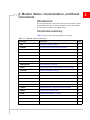
Modem Status, Customization, and Reset Commands
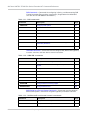
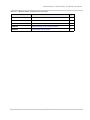
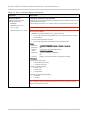
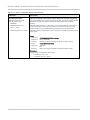
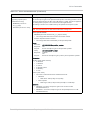
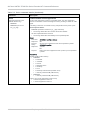
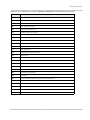
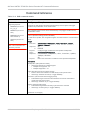
Table 3-2: Modem status, customization, and reset commands (Continued)
Command
Description
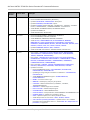
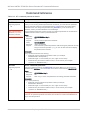
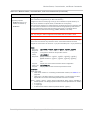
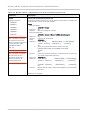
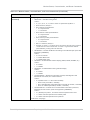
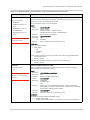
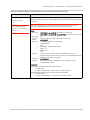
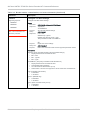
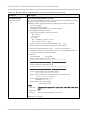
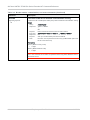
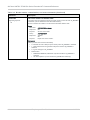
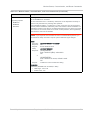
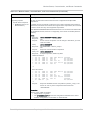
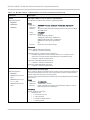
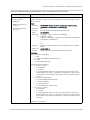
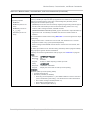
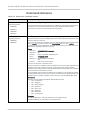
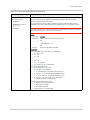
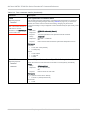
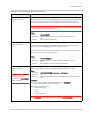
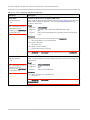
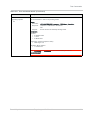
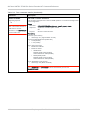
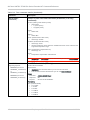
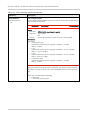
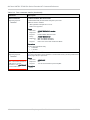
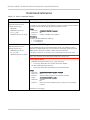
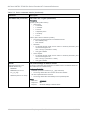
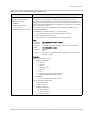
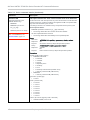
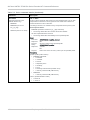
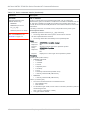
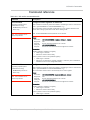
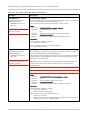
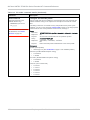
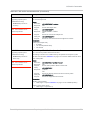
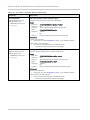
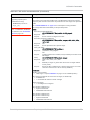
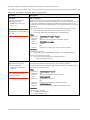
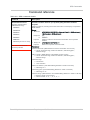
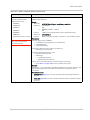
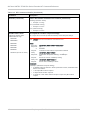
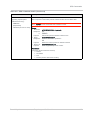
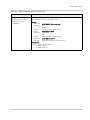
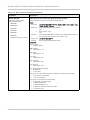
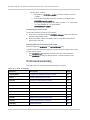
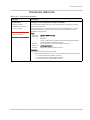
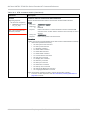
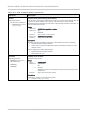
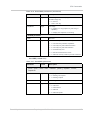
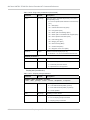
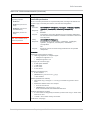
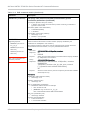
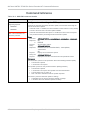
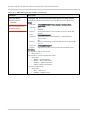
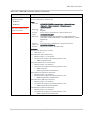
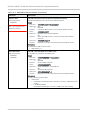
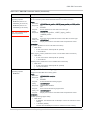
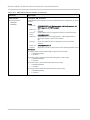
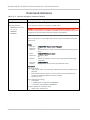
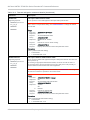
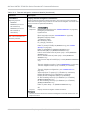
!SELACQ
Select RAT acquisition order
Supporting chipsets:
• MDM8220 (min f/w rev:
N2.0 Release 5)
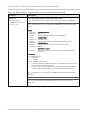
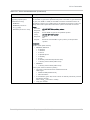
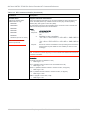
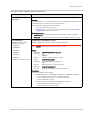
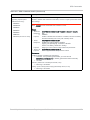
Select the acquisition order for RATs (Radio Access Technologies).
Usage:
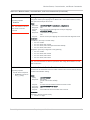
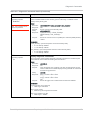
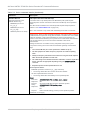
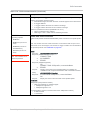
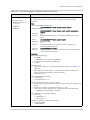
• Execution: AT!SELACQ=<mode1>[,<mode2>[,<mode3>[,<mode4>[,<mode5>]]]]
Response: OK
Purpose:
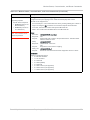
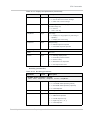
Indicate the acquisition order for up to five RATs. See <mode>
parameter description for details.
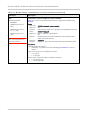
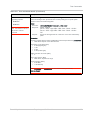
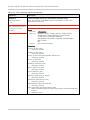
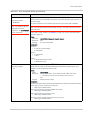
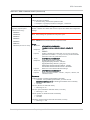
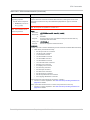
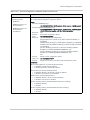
• Query:
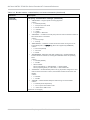
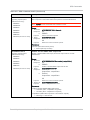
AT!SELACQ?
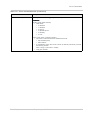
Response: <mode1>
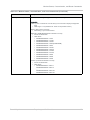
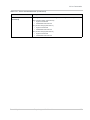
• MDM9200
• MDM9600
<mode2>
<mode3>
<mode4>
<mode5>
•
Purpose:
Query list:
Purpose:
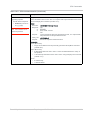
Show the current acquisition order for the supported RATs.
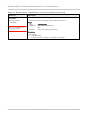
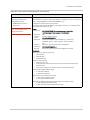
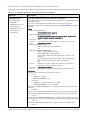
AT!SELACQ=?
Display valid execution format and parameter values.
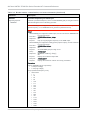
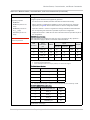
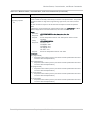
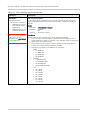
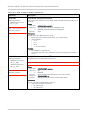
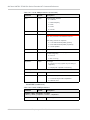
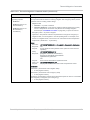
Parameters:
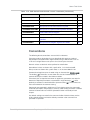
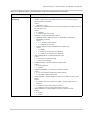
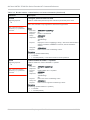
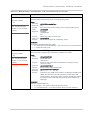
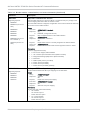
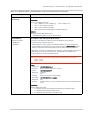
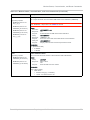
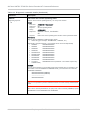
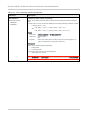
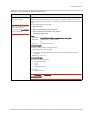
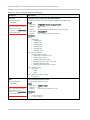
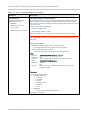
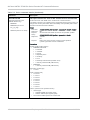
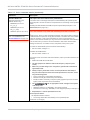
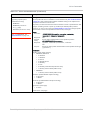
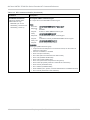
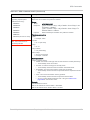
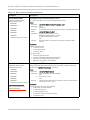
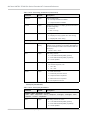
<moden> (RAT types)
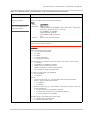
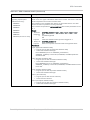
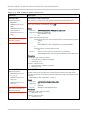
• Valid values (shown in default order):
• “CDMA”
• “LTE”
• “WCDMA”
• “HDR”
• “GSM”
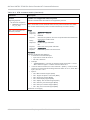
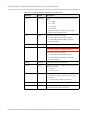
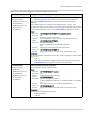
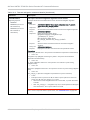
• If the execution format is issued with fewer than five RATs, the missing entries
are appended based on the default order shown above.
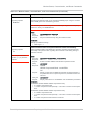
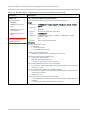
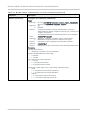
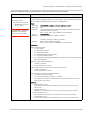
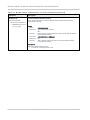
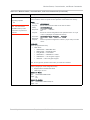
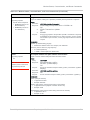
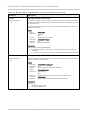
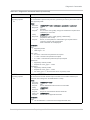
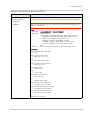
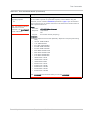
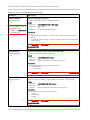
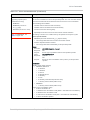
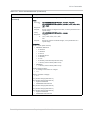
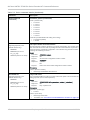
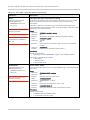
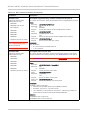
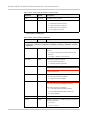
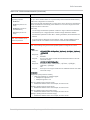
• Example: If the command is issued as AT!SELACQ=HDR,CDMA,GSM
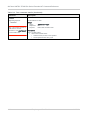
Then AT!SELACQ? will show:
HDR
CDMA
GSM
LTE
WCDMA
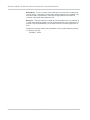
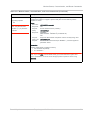
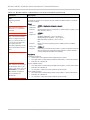
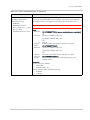
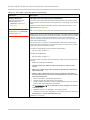
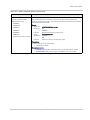
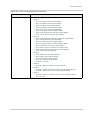
Note: Even if the device does not support a specific RAT (for example, CDMA), the
RAT will still appear in the Query response.
Rev. 8 May.12
Proprietary and Confidential
75