1
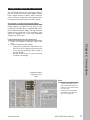
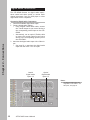
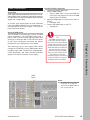
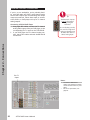
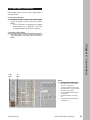
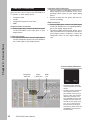
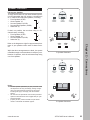
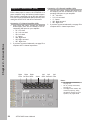
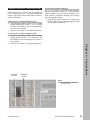
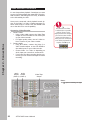
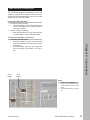
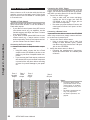
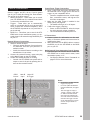
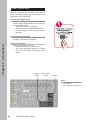
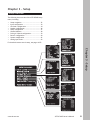
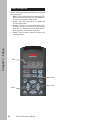
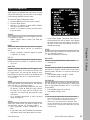
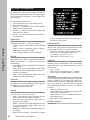
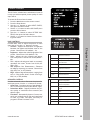
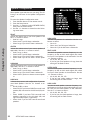
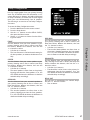
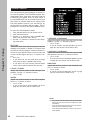
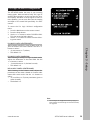
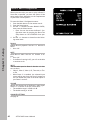
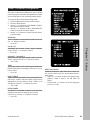
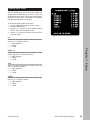
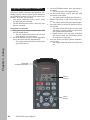
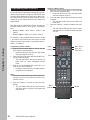
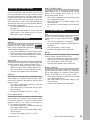
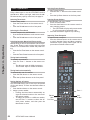
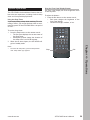
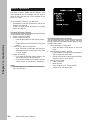
Analog Input Level The GTP-870HD allows you to adjust the voltage reference levels independently for each of the unit’s seven analog audio inputs. Check the technical specifications of your source components to determine the optimum reference level setting. To 1 2 3 access the Analog Input Level menu: Press the Main button on the remote control. Press the Setup button. Use the / buttons to select ANALOG INPUT LEVEL, then press the Select button. 4 Use the / buttons to choose from the following menu items: CD Adjusts the analog input level for the CD audio input. Use the / buttons to select: • 2 V REF (default) • 4 V HIGH • 1 V LOW Chapter 3 - Setup VIDEO 1~4 Adjusts the analog input level for the Video 1~4 audio inputs. Use the / buttons to select: • 2 V REF (default) • 4 V HIGH • 1 V LOW TAPE Adjusts the analog input level for the Tape input. Use the / buttons to select: • 2 V REF (default) • 4 V HIGH • 1 V LOW TUNER Adjusts the analog input level for the Tuner input. Use the / buttons to select: • 2 V REF (default) • 4 V HIGH • 1 V LOW www.adcom.com GTP-870HD Owner’s Manual 43