1
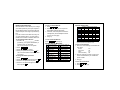
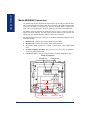
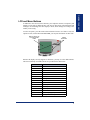
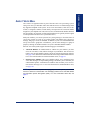
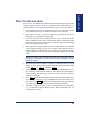
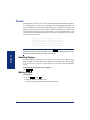
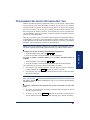
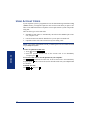
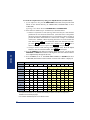
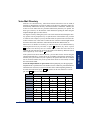
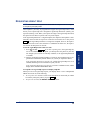
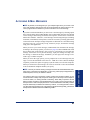
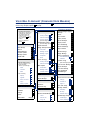
In addition to the various feature buttons, your endpoint contains a Liquid Crystal
Display (LCD) with six different lines. The top two lines show call information and
messages; the remaining four lines display a menu, which changes according to the
feature you are using.
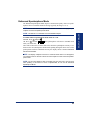
To select an option, press the menu selection button closest to it. If there is only one
option on a line, such as DO-NOT-DISTURB, you can press the button on either side.
DISPLAY WITH SIX
16-CHARACTER
LINES
MENU
BUTTONS
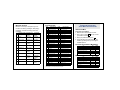
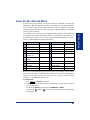
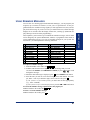
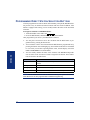
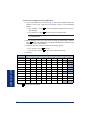
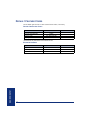
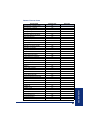
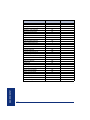
Because the display can only support 16 characters, you may see a few abbreviations.
The most commonly used abbreviations are provided in the table below.
ABBREVIATION
ACCT CODE
CNF
DEST
DIR
DND
EXT
MSG
RCL
SPKR
SPKRPHN
STN SPD
SYS SPD
TFR
TG
TRNK
Inter-Tel® Model 8560/8660 User Guide
WORD/PHRASE
Account Code
Conference
Destination
Directory
Do-Not-Disturb
Extension
Message
Recall
Speaker
Speakerphone
Station Speed Dial
System Speed Dial
Transfer
Trunk Group (a group of outside lines)
Trunk (an outside line)
7
FINDING YOUR WAY
LCD and Menu Buttons