1
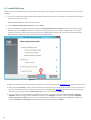
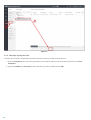
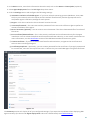
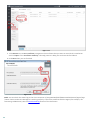
2. Enter the Username and Password used to access ERA Web Console to allow the agent to download updates
and new certificates.
3. Click Choose custom static group and use the drop-down menu to select the static group to which the client
computer will be added.
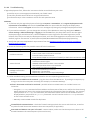
Offline installation:
This is the recommended local installation method for situations where client computers cannot communicate with
your ERA Server, and for OS X computers. Before performing an offline installation, make sure that you have both
the agent certificate and certificate authority available on the target client computer.
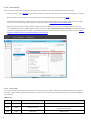
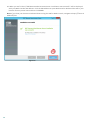
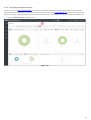
Figure 1-16
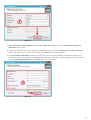
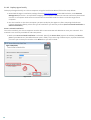
1. Enter 2222 in the Server port field, select Offline installation and then click Next.
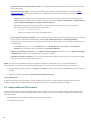
2. In ERA Web Console:
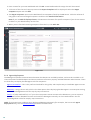
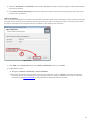
a) Navigate to Admin > Certificates > Peer Certificates.
b) Select the certificate that you want to use for this installation and click Export. Transfer the exported
certificate to the client computer using removable media or another method of your choice. For more
information see Peer Certificates in the ESET Remote Administrator User Guide.
21