1
105
Changing Colors
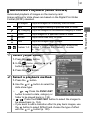
Available Shooting Modes
p. 222
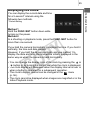
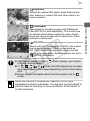
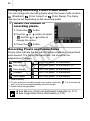
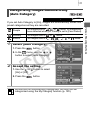
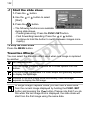
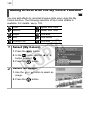
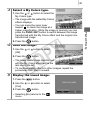
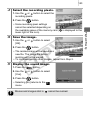
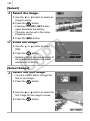
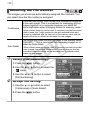
Color Accent
Use this option to have only the color specified in
the LCD monitor remain and to transform all
others to black and white.
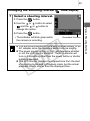
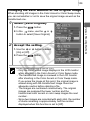
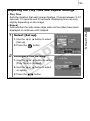
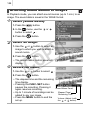
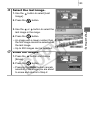
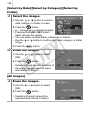
Color Swap
Use this option to transform a color specified in
the LCD monitor into another. The specified
color can only be swapped into one other color,
and multiple colors cannot be chosen.
C
Y
P
O
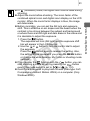
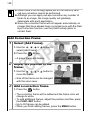
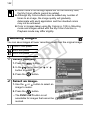
The ISO speed will rise depending on the shooting conditions,
which may increase the noise in the image.
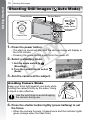
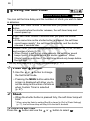
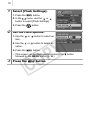
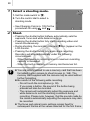
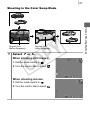
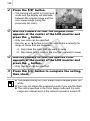
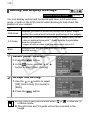
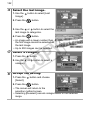
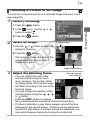
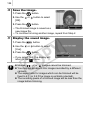
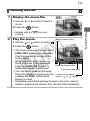
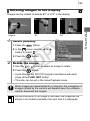
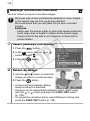
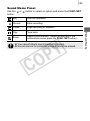
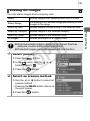
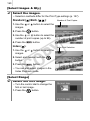
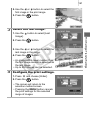
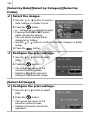
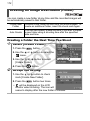
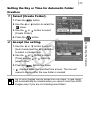
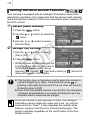
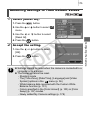
Shooting in the Color Accent Mode
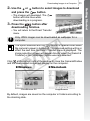
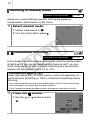
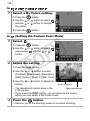
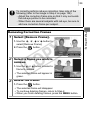
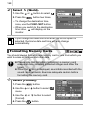
1
Select
or
.
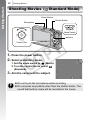
When shooting still images:
1. Set the mode switch to
.
2. Turn the control dial to select
.
Various Shooting Methods
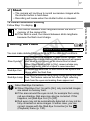
You can shoot images with the original colors transformed. This can be
performed on movies as well as still images, allowing you to enjoy
photographing with image or movie effects. However, depending on
the shooting conditions, the images may appear rough or you may not
get the expected color. Before you try to photograph important
subjects, we highly recommend that you shoot trial images and check
the results. If you set [Save Original] (p. 109) to [On] when shooting a
still image, you can record the original image as well the transformed
one.