1
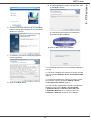
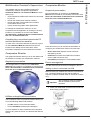
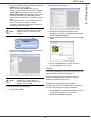
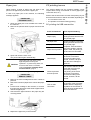
11 Select the destination folder for installation and
click on the NEXT button.
To connect the multifunction machine to the PC via USB,
refer to paragraph Adding a device connected via USB,
page 39.
To connect the multifunction machine to the PC via the
local network, refer to paragraph Adding a device
connected to the network, page 40.
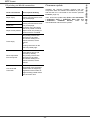
Printer and scanner driver name
Connection
Laser Pro LL2
USB
Laser Pro LL2 network
WLAN
Use the good printer driver according to your connection.
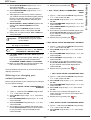
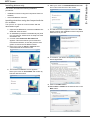
12 The final installation is ready to be executed. Click
on the INSTALL button.
Installing the drivers manually
You can install the printer and scan drivers manually
without running any setup software.
Note
This installation mode is only possible
on Windows 2000, XP and Vista.
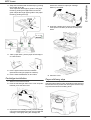
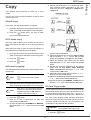
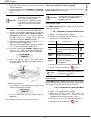
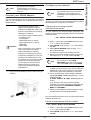
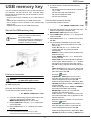
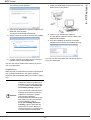
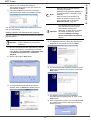
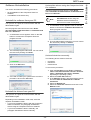
1 Locate your USB cable connectors and connect as
shown below on the picture.
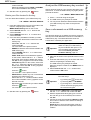
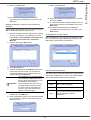
13 A screen informs you of the installation progress.
2 Power on your multifunction machine.
The PC detects the device.
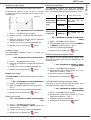
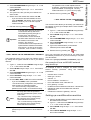
3 Click on LOCATE AND INSTALL DRIVER SOFTWARE
(RECOMMENDED).
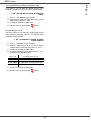
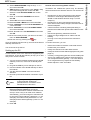
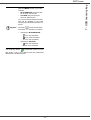
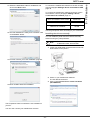
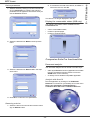
14 Click on OK to finish the installation.
The Companion Suite Pro software is now installed on
your PC.
You can now connect your multifunction machine.
- 37 -
8 - PC Features
MFP Laser