1
SilverV-gb.book Page 3 Monday, May 15, 2000 3:32 PM
Preparation for Printing
Preparation for Printing
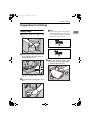
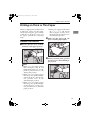
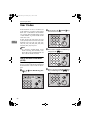
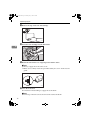
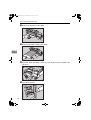
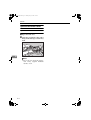
Loading Paper
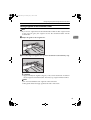
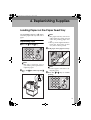
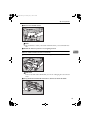
A Carefully
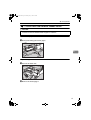
open the paper feed
tray.
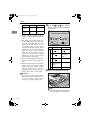
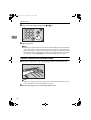
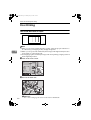
Note
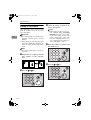
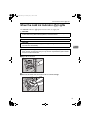
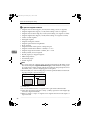
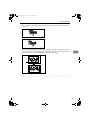
❒ Correct the paper curl before
setting the paper. If you cannot
do so, stack the paper with the
curl face down as shown.
1
GRMARU0E
TSLH026E
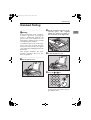
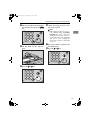
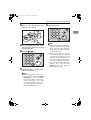
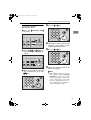
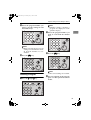
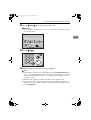
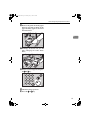
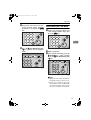
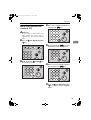
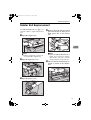
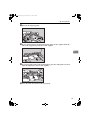
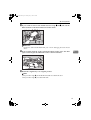
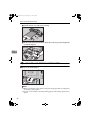
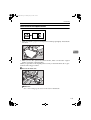
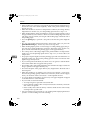
B Put the paper feed side plates lock
lever. Adjust the side plates to
match the paper size.
GRBATS0E
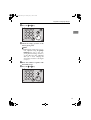
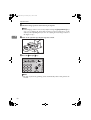
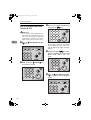
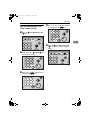
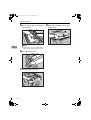
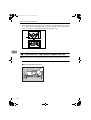
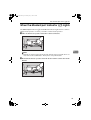
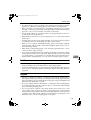
D Make
1
sure that the paper feed
side plates touch the paper lightly. Put back the lock lever.
TSLH01AE
1: Paper Feed Side Plates Lock Lever
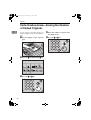
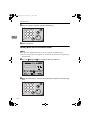
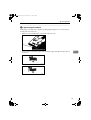
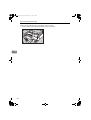
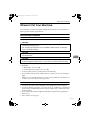
C Place the paper on the paper feed
TSLY015E
tray.
TSLY013E
3