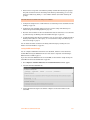
1
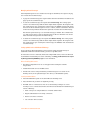
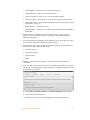
•
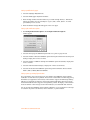
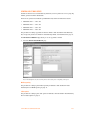
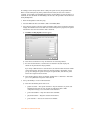
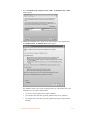
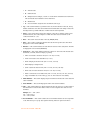
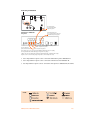
T — Transfer state
•
O — Outbound call
•
B — Bridged call. For example, a call in on one line that is forwarded over another line.
This can include calls forwarded to remote extensions.
•
X — Blocked call
•
A — Account number assigned to the call with the same log #.
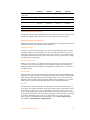
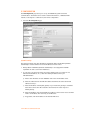
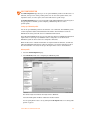
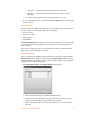
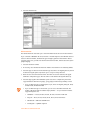
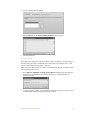
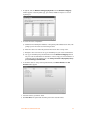
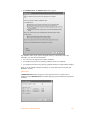
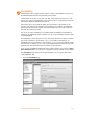
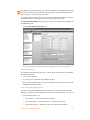
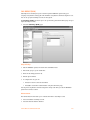
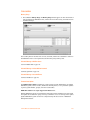
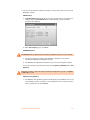
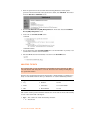
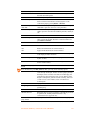
2. Log — This column indicates log number for the call. For the duration of the call, the log
number remains the same. The event number will increment with each change of state. The
first digit of the log number indicates on which unit the event originated.
3. Event — This column tracks various state changes of the call. For example, when an auto
attendant answers, the counter might be 1. When the caller selects an extension, the
counter increments to 2, etc.
4. Date — This column shows the date of the call (MM/DD/YYYY).
5. Time — This column contains the time that the call entered a specific state. The time is
displayed in 24-hour format (HH:MM).
6. Duration — This column indicates the total time the call was in this state/event. The time
is displayed in 24-hour format (HH:MM:SS).
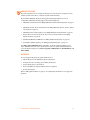
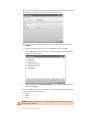
7. Connection — This column indicates where the call was for each event. This includes auto
attendants, voicemail, extension ringing or queuing.
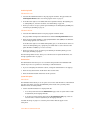
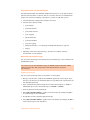
•
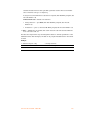
Exxx = Connected to extension xxx (xxx = 111–148, 151–188)
•
A00x = Connected to auto attendant x (x= 1 to 9)
•
Rxxx = Ringing at extension xxx (xxx = 111–148, 151–188)
•
RCO = Ringing at telephone line.
•
Qxxx = Queued at extension xxx (xxx = 111–148, 151–188, 300–309)
•
Hxxx = Call on hold at extension xxx (xxx = 111–148, 151–188)
•
Mxxx = Connected to voice mailbox xxx (xxx = 111–148, 151–188, 211–248, 410–449)
•
Cxyy = Forwarded out on unit x line yy. (See “10. Line” below for more details).
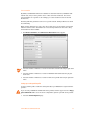
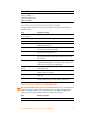
8. Phone Number — This column displays the phone number of the inbound or the outbound
caller if available.
9. Caller ID Name — This column displays the name of the caller if available.
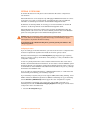
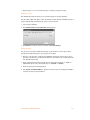
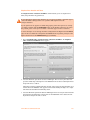
10. Line — This column indicates on which unit and line the call came in or out. The format of
this information is unit and line number. Lines 01–08 are telephone lines and 09–16 are
VoIP lines.
Example: 101 — unit 1, line 1
203 — unit 2, line 3
110 — unit 1, VoIP 2
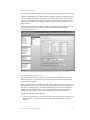
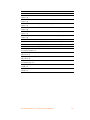
11. Account Number — This column contains an account number that the user can assign after
a call. This allows you to group calls together that may have been placed over time to
CALL DETAIL RECORD LOGGING
229