1
STARTING
THE
EXTREMEWARE ENTERPRISE MANAGER
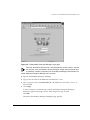
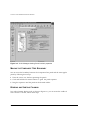
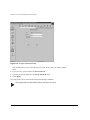
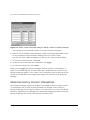
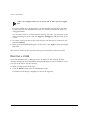
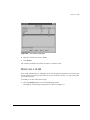
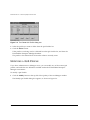
4 Click ExtremeWare Enterprise Server. This starts the three components in the
required order.
RUNNING THE ENTERPRISE MANAGER UNDER SOLARIS
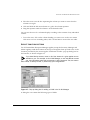
The following instructions assume that you are using a command or xterm window
running the C-shell.
STARTING
THE
ENTERPRISE MANAGER SERVER
To run the Enterprise Manager Server:
1 Set the current directory:
cd <install_dir>
<install_dir> is the directory (path) where you installed the Enterprise Manager
components. If you installed in the default directory, the path is
/opt/ExtremeEnterpriseManager.
2 Invoke runserve to start the three Enterprise Manager components in the required
order.
runserve &
SHUTTING DOWN
THE
ENTERPRISE MANAGER SERVER COMPONENTS
To shut down the Enterprise Manager Server:
1 Set the current directory:
cd <install_dir>
<install_dir> is the directory (path) where you installed the Enterprise Manager
components. If you installed in the default directory, the path is
/opt/ExtremeEnterpriseManager.
2 Invoke stopserv to shut down the Enterprise Manager components in the required
order.
stopserv &
This shuts down the Enterprise Manager server if it is running.
3-4
EXTREMEWARE ENTERPRISE MANAGER INSTALLATION
AND
USER GUIDE