1
Home Page
System Admin
Table of Contents
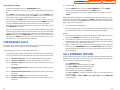
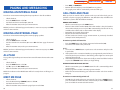
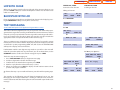
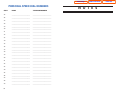
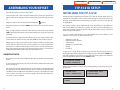
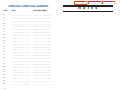
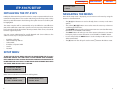
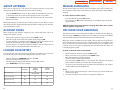
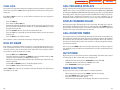
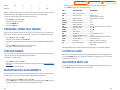
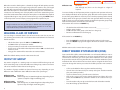
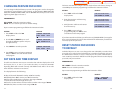
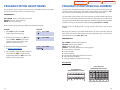
PROGRAM STATION GROUP NAMES
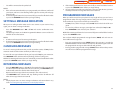
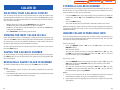
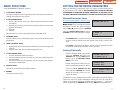
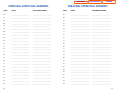
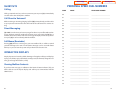
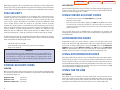
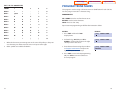
PROGRAM SYSTEM SPEED DIAL NUMBERS
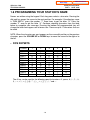
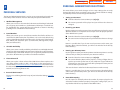
This program is used to assign a character name or identification for each station
group. You may assign a name 11 characters long.
The system list starts with 200 numbers and can be increased in blocks of ten. The
system may have either 500 or 950 maximum depending on the setting in MMC
861. See your service company to increase or decrease the system list.
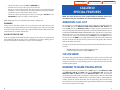
PROGRAM KEYS
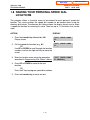
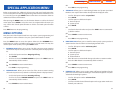
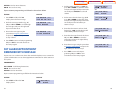
The speed dial codes are 500–999 or 050–999. Each speed dial number consists of
a line access code and the telephone number to be dialed.The access code can be
any line group, individual line, station group or individual extension.The speed dial
number can be up to 24 characters long including ,, #, FLASH and PAUSE.
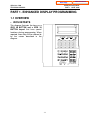
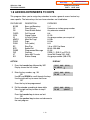
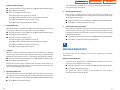
UP & DOWN - Used to scroll and move cursor.
KEYPAD - Used to enter characters.
HOLD - Press to clear entry.
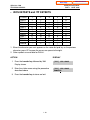
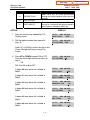
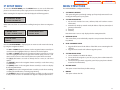
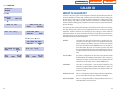
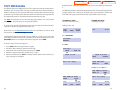
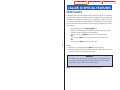
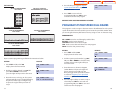
Open customer programming and follow the instructions below.
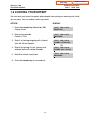
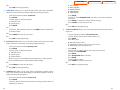
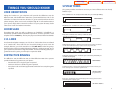
ACTION
DISPLAY
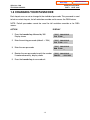
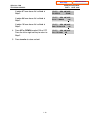
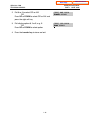
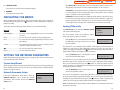
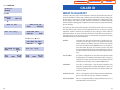
1. Press TRSF and then dial 602
Display shows the first group
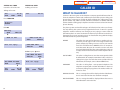
[501] SGR NAME
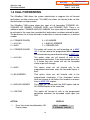
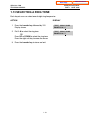
2. Dial the group number (e.g., 505) OR
press the UP or DOWN key to make a
selection and press the left or right
soft key to move the cursor
[505] SGR NAME
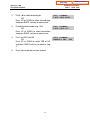
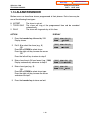
3. Enter the name using the method
in Program Station Names
[505] SGR NAME
SAMSUNG
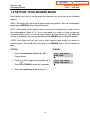
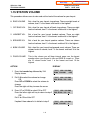
4. Press the left or right soft key to return to
step 2 OR press TRSF to store and exit
programming OR press SPK to store and
advance to the next program
NOTE: If Least Cost Routing (LCR) is being used, the LCR access code must be
entered.
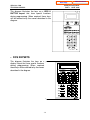
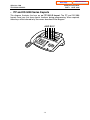
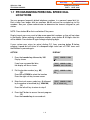
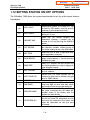
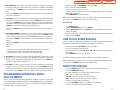
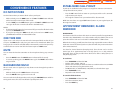
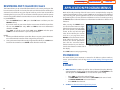
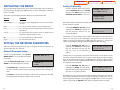
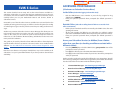
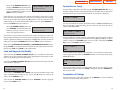
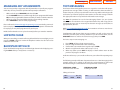
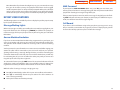
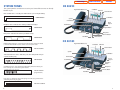
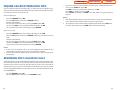
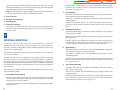
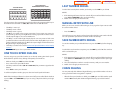
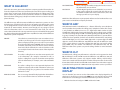
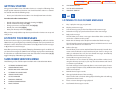
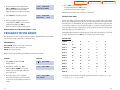
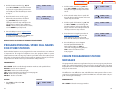
When you are entering a speed dial number, there are some special keys that you
will need to use. These are the bottom row of programmable keys on the keysets
and are known as keys A, B, C, D, E and F.
PROGRAM KEYS
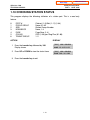
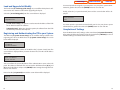
UP & DOWN - Select the speed dial bin.
KEYPAD - Used to enter number.
HOLD - Press to clear entry.
SPK/RLS - Save data and advance to next program.
A - Does not have a function.
B - Inserts a FLASH.
C - Inserts a PAUSE.
D - Changes the dialing type from pulse to tone.
E - Hides and displays digits.
F - Changes display to speed dial name entry.
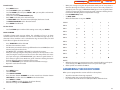
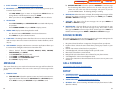
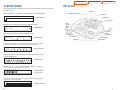
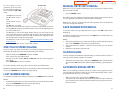
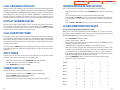
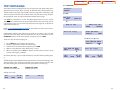
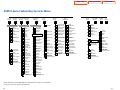
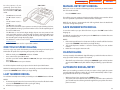
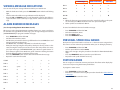
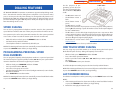
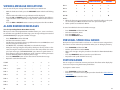
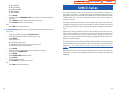
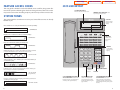
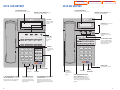
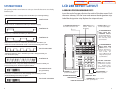
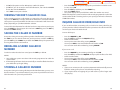
DCS KEYSETS
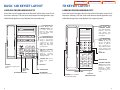
12 BUTTON KEYSET
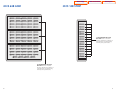
PROGRAMMABLE KEYS LAYOUT
A
17
B
C
D
E
F
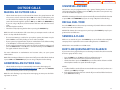
24 BUTTON KEYSET
PROGRAMMABLE KEYS LAYOUT
A
B
C
D
E
F
18