1
1
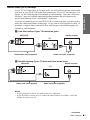
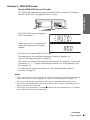
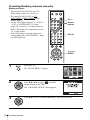
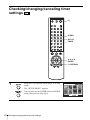
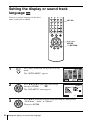
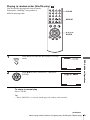
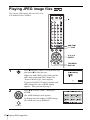
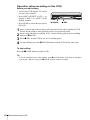
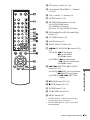
Press REPEAT when the DVD player is in stop
mode.
2
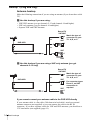
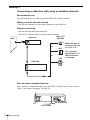
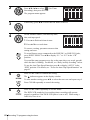
Press B/b to select “PROGRAM”, then press
ENTER.
3
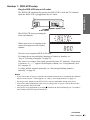
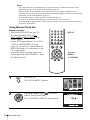
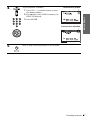
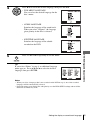
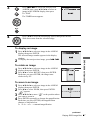
Press V/v/B/b to select the track number you
want to program, then press ENTER.
You can also use the number buttons to enter
the track number.
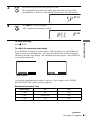
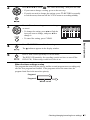
4
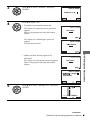
To program other tracks, repeat step 3.
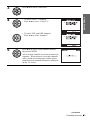
5
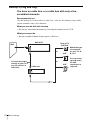
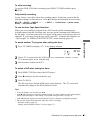
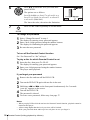
Press H PLAY to start program play.
The programed track numbers are displayed in the selected order.
Program play starts.
When the program ends, you can restart the same program again by
pressing H PLAY.
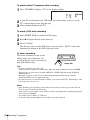
To stop program play
Press CLEAR.
To change or cancel a program
1 Follow steps 1 and 2 of “Creating your own program (Program play).”
CLEAR.
2 Press
The last programed number is canceled.
3 Follow step 3 for new programing.
64
Various play mode functions (Program play, Shuffle play, Repeat play)