1
7.2 Replacing the Rollers
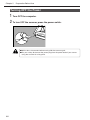
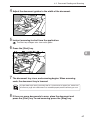
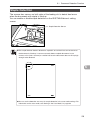
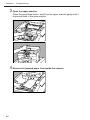
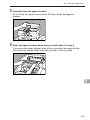
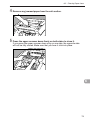
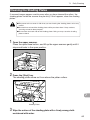
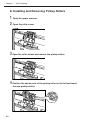
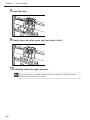
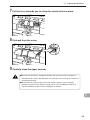
5 Firmly close the roller holder until you hear it click.
6 Firmly close the roller cover until you hear it click.
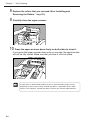
7 Carefully close the upper scanner.
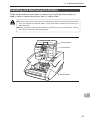
If the roller holder and roller cover are not firmly closed it will cause a feed error.
Important Always be sure to check that the roller holder and roller cover are closed.
7
93