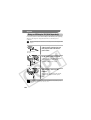
Download Canon S500 - PowerShot Digital ELPH Camera User guide

Transcript
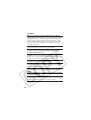
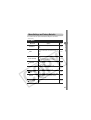
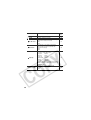
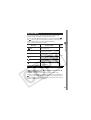
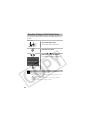
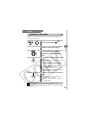
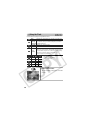
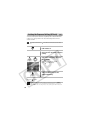
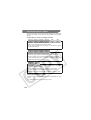
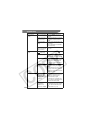
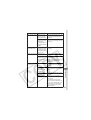
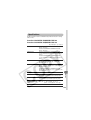
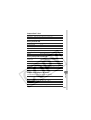
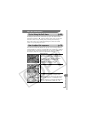
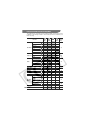
Problem
Image is blurred or
out of focus
Subject in recorded
image is too dark
Subject in recorded
image is too bright
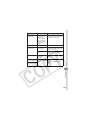
A bar of light (red,
purple) appears on
the LCD monitor
138
Cause
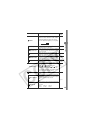
The subject is hard
to focus on
Solution
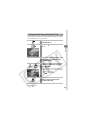
• Use the focus lock or AF lock to
shoot.
See Shooting Hard-to-Focus Subjects
(Focus Lock, AF Lock) (p. 72).
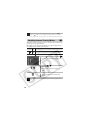
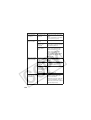
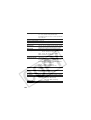
Insufficient light for • Set the flash to on.
shooting
Subject is dark in
• Set the exposure compensation
contrast to the
to a positive (+) setting or use the
background
spot metering function.
Subject is too far
• Shoot within 3.5 m (11 ft.) of the
subject at the maximum wide
away for flash to
angle or 2.0 m (6.6 ft.) of the
reach
subject at the telephoto end
setting using the flash.
• Raise the ISO sensitivity and then
shoot. See Adjusting the ISO
Speed (p. 85).
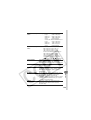
Subject is too close, • When using the flash, stay at
making the flash too least 46 cm (1.5 ft.) from the
subject.
strong
Subject is bright in • Set the exposure compensation
contrast to the
to a negative (-) setting or use the
background
spot metering function.
Light is shining
• Change the shooting angle.
directly on the
subject or reflected
off the subject into
the camera
Flash is set to on
• Set the flash to off.
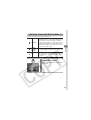
Subject is too bright • This is a normal occurrence in
devices containing CCDs and
does not constitute a
malfunction. (This bar of light will
not be recorded when shooting
still photos, but it will be recorded
when shooting movies.)