1
Troubleshooting
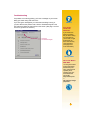
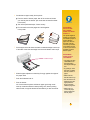
If a problem occurs during printing, you’ll see a message on your screen
telling you what’s wrong and how to fix it.
If you don’t get a message but you notice that something is wrong or
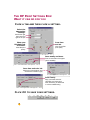
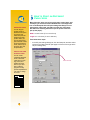
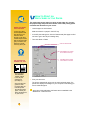
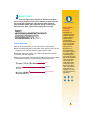
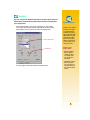
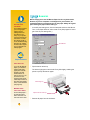
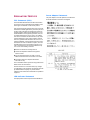
you don’t like how the printout looks, click the Troubleshooting tab in the
HP Toolbox and follow the instructions on the screen. (See page 11 to find
out how to get to the HP Toolbox.)
Click the
Troubleshooting tab.
What If
YOU AREN’T
SEEING ANY
MESSAGES
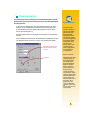
If you seem to be
having a problem
but you aren’t seeing
any messages on
your screen, it might
be because you
don’t have two-way
communications
(see page 44 for
more information).
Handy Hints
HP ON THE WORLD
WIDE WEB
You can get the latest
product information,
troubleshoot problems, and download
updated printer
software from HP’s
World Wide Web
site at URL
http://www.hp.com
or
http://www.hp.com/go/
peripherals
7