1
Printing Watermarks
The Watermark option allows you to print text over an existing
document. For example, you may want to have large gray
letters reading “DRAFT” or “CONFIDENTIAL” printed diagonally
across the first page or all pages of a document.
There are several predefined watermarks that come with the
ML-1650 series printer, and they can be modified or you can
add new ones to the list.
To use an existing
watermark
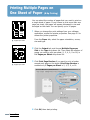
1 When you change the print settings from your software
application, access the printer properties. See page 5.2
for more information on accessing printer properties.
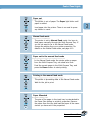
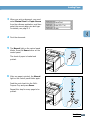
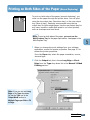
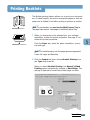
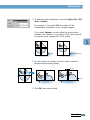
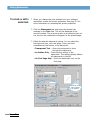
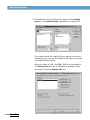
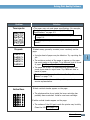
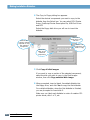
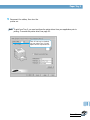
2 Click the Watermark tab, and select the desired
watermark in the Message drop-down list. You will see
the selected watermark in the preview window.
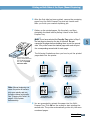
preview
window
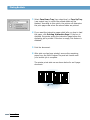
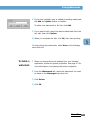
3 Click OK, then start printing.
PRINTING TASKS 5.21