1
NOTE:
When the AC adapter is connected, it also charges the battery pack. For information on using
battery power, see Chapter 3.
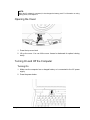
Opening the Cover
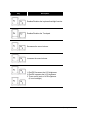
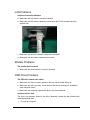
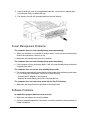
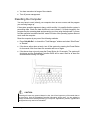
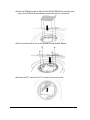
1. Press the top cover latch
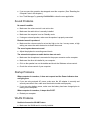
2. Lift up the cover. You can tilt the cover forward or backward for optimal viewing
clarity.
Turning On and Off the Computer
Turning On
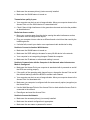
1. Make sure the computer has a charged battery or is connected to the AC power
supply.
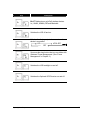
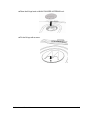
2. Press the power button.
Getting Started
1-5