1
V171.book Page 33 Tuesday, January 4, 2005 10:32 AM
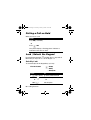
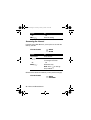
Setting Battery Save
To conserve the phone's power usage:
Find the Feature
> Settings
> Other Settings
> Initial Setup
> Battery Save
> desired mode
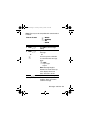
Resetting All Options
To restore all options to factory default values, except for
unlock code, security code and lifetime timer:
Find the Feature
> Settings
> Other Settings
> Initial Setup
> Master Reset
> desired mode
To reset all options, you need to enter the Security Code.
Clearing All Information
To reset all options back to their factory settings and clear all
user entries (such as Phonebook entries and downloaded
wallpapers, main menu animation and sounds):
Setting Up Your Phone - 33