1
preheat
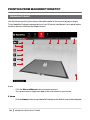
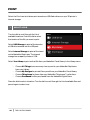
Select the Preheat icon to preheat your Smart Extruder. When you select Preheat, the Smart
Extruder will immediately start heating. The current and target temperatures will be visible
on the main screen.
Utilities
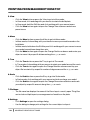
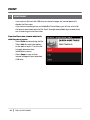
Use the Utilities menu to access plate leveling, diagnostics and other tools.
Level Build Plate
Select to begin the assisted leveling process. For best results when leveling, make sure
the extruder nozzle is clean and wipe any plastic debris off of the build plate.
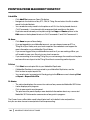
Camera
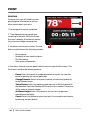
Select to access options related to your 3D printer’s built-in camera. In the camera menu, you can:
•
•
•
•
•
41
•
•
•
•
Take a photo of the build area using the built-in camera.
Browse photos taken by the built-in camera.
Copy photos to the USB drive.
Erase all photos taken with the built-in camera to date.
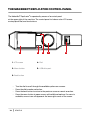
the control panel