1
WMScanner GUI and Menus
Advanced Sub-menu
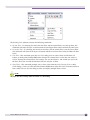
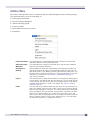
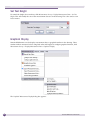
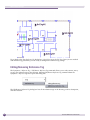
The Advanced sub-menu provides functionality for modifying different aspects of a drawing, drawing
entities, and objects.
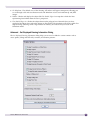
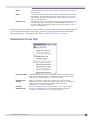
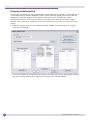
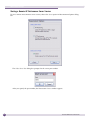
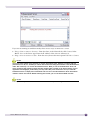
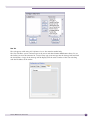
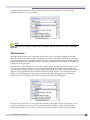
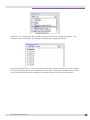
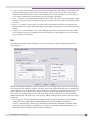
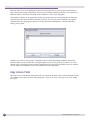
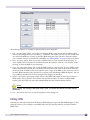
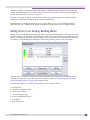
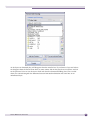
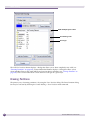
Building Manager
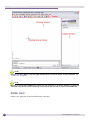
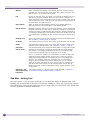
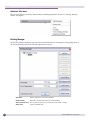
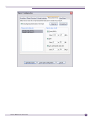
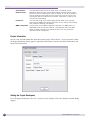
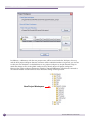
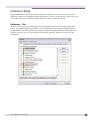
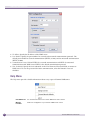
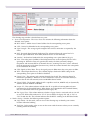
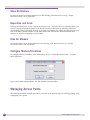
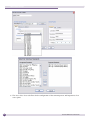
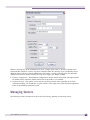
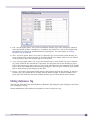
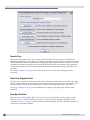
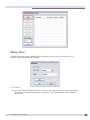
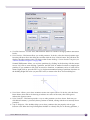
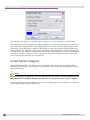
The Building Manager dialog box provides advanced functionality for managing and navigating floors in
the current drawing. Most users will not require these features.
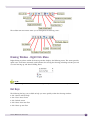
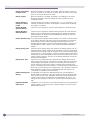
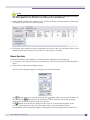
Add Floor
Adds a new floor to the current drawing.
Remove Floor
Removes a selected floor from the current drawing.
Set as Current Floor Sets a particular floor to the current floor and makes it visible.
Show Floor
36
Shows a selected floor.
Summit WMScanner Users Guide