1
On-Screen Display
Menu
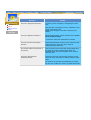
How to adjust
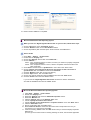
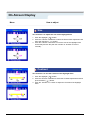
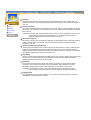
Degauss
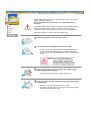
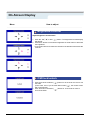
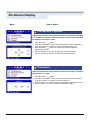
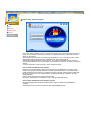
The Degauss feature will remove color impurities caused by magnetic
fields. Do not use the Degauss feature more than once within a
30-minute period. Note: The monitor may buzz momentarily, the image
colors may change and the image will jiggle for a few seconds. These
effects are normal.
1
2
3
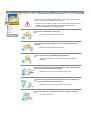
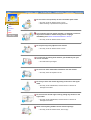
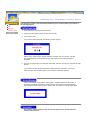
Push the Menu (
) button.
Push the ◀ button or ▶ button until the Advanced screen is displayed.
Push the Menu (
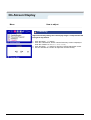
) button to execute the degauss function. The
degaussing screen will appear. After a few seconds, the degauss main
menu will return.
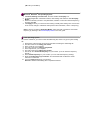
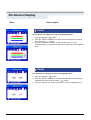
Recall
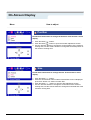
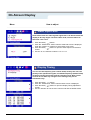
Use the recall feature to reset these monitor settings to their original
levels: Position, Size, Pincushion, Trapezoid, Parallelogram,
Pinbalance, Rotation, Clear Moire.
Note: If you have selected "Yes", all settings listed above will be reset.
All other settings will remain the same.
1
2
3
4
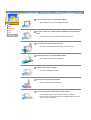
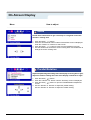
Push the Menu (
) button.
Push the ◀ button or ▶ button until the Advanced screen is displayed.
Push the ▲ button or ▼ button to select Recall.
Push the Menu (
) button to open the recall selection screen
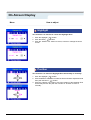
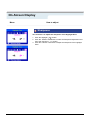
Push the ◀ button to select YES. If you don't want to reset the monitor,
use the ▶ button to select NO.