1
4.3.12
Sensor Recorder
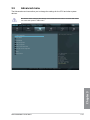
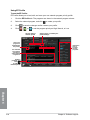
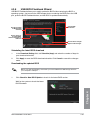
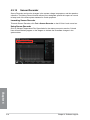
Sensor Recorder monitors the changes in the system voltage, temperature, and fan speed on
a timeline. The History Record function allows you to designate specific time spans on record
to keep track of the three system statuses for certain purposes.
Launching Sensor Recorder
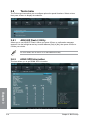
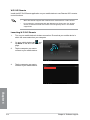
To launch Sensor Recorder, click Tool > Sensor Recorder on the AI Suite II main menu bar.
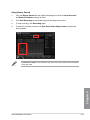
Using Sensor Recorder
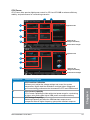
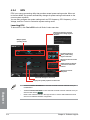
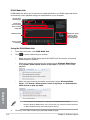
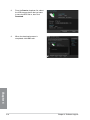
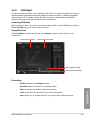
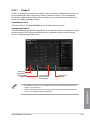
Click on Voltage/ Temperature/ Fan Speed tabs for the status you want to monitor. Colored
lines will automatically appear on the diagram to indicate the immediate changes in the
system status.
Chapter 4
4-34
Chapter 4: Software support