1
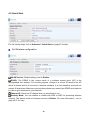
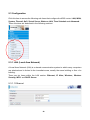
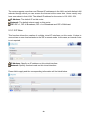
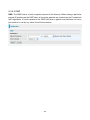
5.3.1.6 DHCP Server
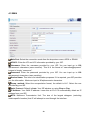
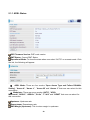
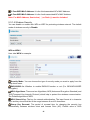
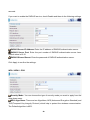
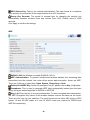
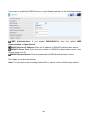
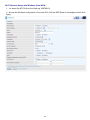
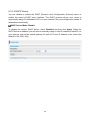
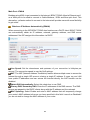
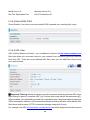
You can disable or enable the DHCP (Dynamic Host Configuration Protocol) server or
enable the router’s DHCP relay functions. The DHCP protocol allows your router to
dynamically assign IP addresses to PCs on your network if they are configured to obtain IP
addresses automatically.
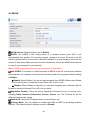
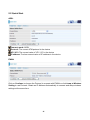
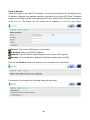
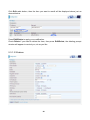
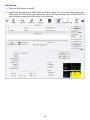
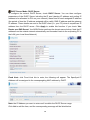
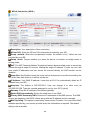
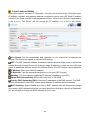
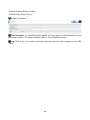
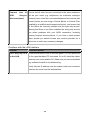
DHCP Server Mode: Disable
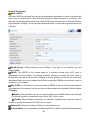
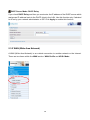
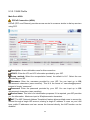
To disable the router’s DHCP Server, check Disabled and then click Apply. When the
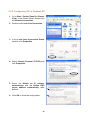
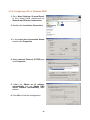
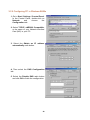
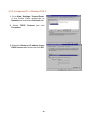
DHCP Server is disabled, you will need to manually assign a fixed IP address to each PC on
your network, and set the default gateway for each PC to the IP address of the router (the
default is 192.168.1.254).
74