1
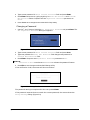
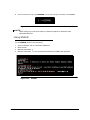
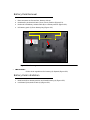
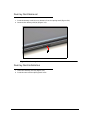
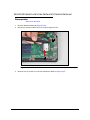
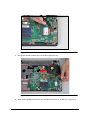
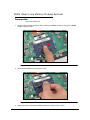
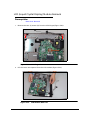
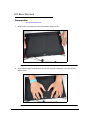
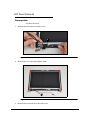
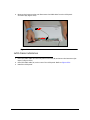
3. Continue along the sides of the bezel until all the latches have been released
(Figure 3-44).
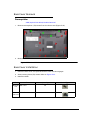
Figure 3-44.
LCD Bezel Removal
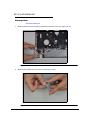
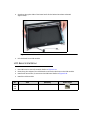
4. Lift the bezel from LCD module.
LCD Bezel Installation
0
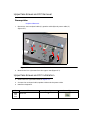
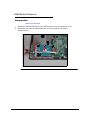
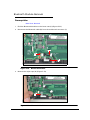
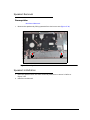
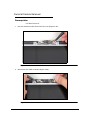
1. Put LCD bezel on the LCD module. Refer to Figure 3-44.
2. Press along the edges of the LCD bezel to secure the latches on the LCD module.
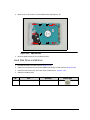
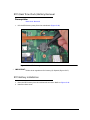
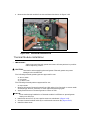
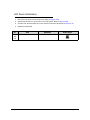
3. Install and secure two (2) screws to the LCD bezel. Refer to Figure 3-42.
4. Install the LCD module.
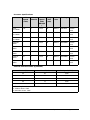
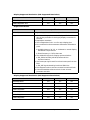
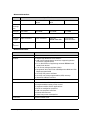
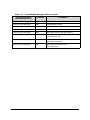
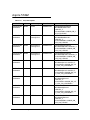
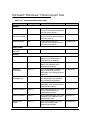
ID
Red
Call
out
Size
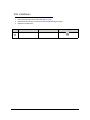
M2.5*6.0
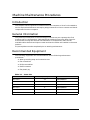
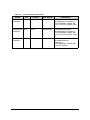
Machine Maintenance Procedures
Quantity
Screw Type
2
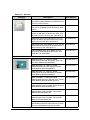
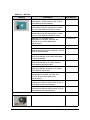
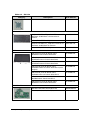
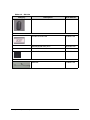
3-45