1
7 • System Options
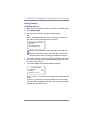
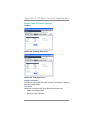
Advanced Options
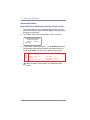
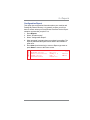
Run Install Mode
Running “Install Mode” allows you to review, and change if desired,
most of the values that were selected when the machine was first
installed via the procedure in the Quick Install Guide. This option
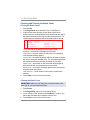
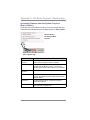
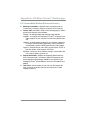
provides a convenient location to set several values all at once. Parameters that may be set by running the Install mode include:
•
•
•
•
•
Select a language
Key in the correct local time
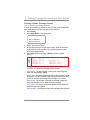
Print a test pattern
Enter the two-digit scale location code
Set the dialing prefix (the number you have to dial to get an
outside line)
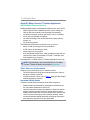
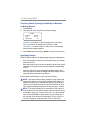
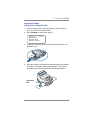
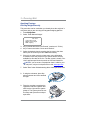
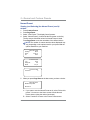
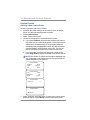
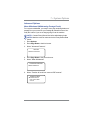
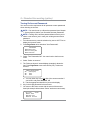
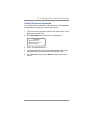
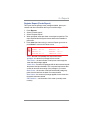
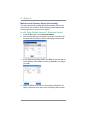
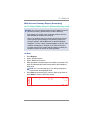
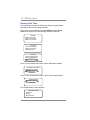
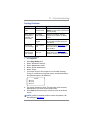
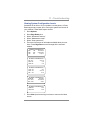
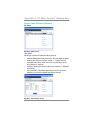
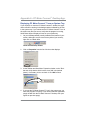
To run the install mode:
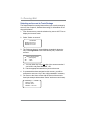
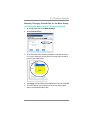
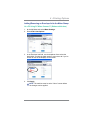
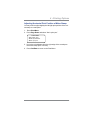
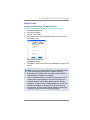
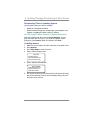
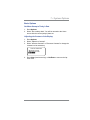
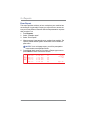
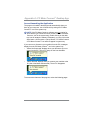
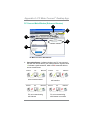
1. Press Options.
2. Press Page Down twice
3. Select "Advanced Features".
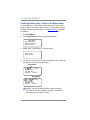
4. Press Page Down once
5. Select "Run Install Mode".
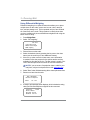
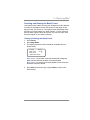
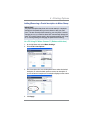
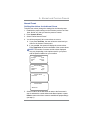
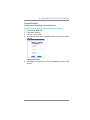
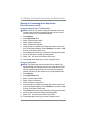
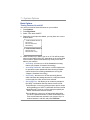
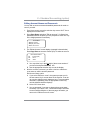
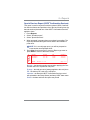
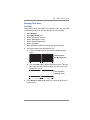
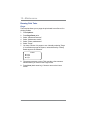
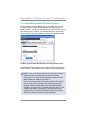
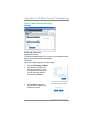
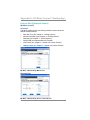
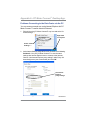
At this point you will be presented the option to select a language,
which is the first step of the install procedure. Simply follow the
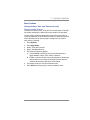
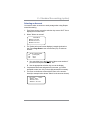
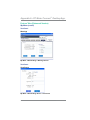
screen prompts until you reach the “Installation Successful” screen.
Select "OK" and you will be returned to the main screen with your
new values active.
SV62276 Rev. C
7-25