1
OfficeServ 12 Programming Guide/Ed.00
CHAPTER 2. MMC Programming
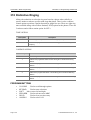
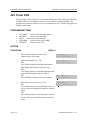
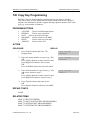
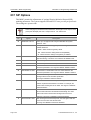
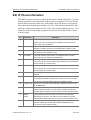
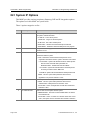
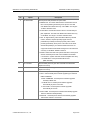
105 Station Speed Dial
Allows the system administrator or technician to program the personal speed dial
locations assigned to a station. This must be done for single line telephones because
these stations cannot access programming. Each station may have up to 50 locations
or bins assigned to it in MMC 606 Assign Speed Block. The speed dial bins are
numbered 00-49. Each speed dial number consists of a trunk or trunk group access
code followed by a separator and up to 24 digits to be dial. These dial digits may
consist of 0-9, * and #. If the system recognizes a valid trunk or trunk group access
number, it will automatically insert the separator.
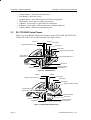
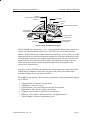
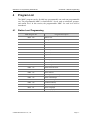
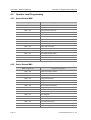
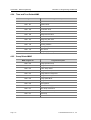
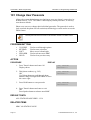
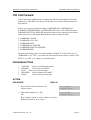
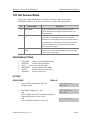
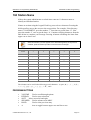
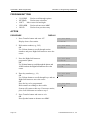
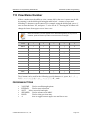
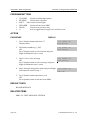
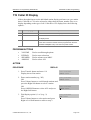
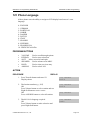
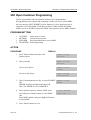
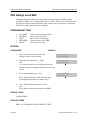
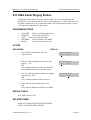
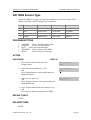
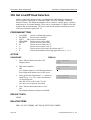
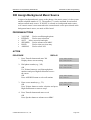
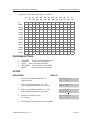
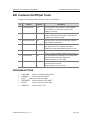
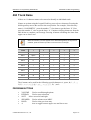
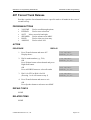
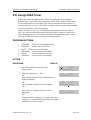
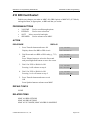
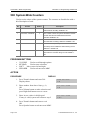
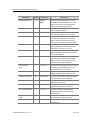
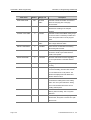
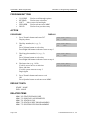
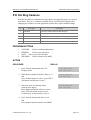
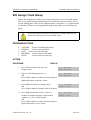
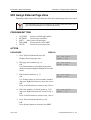
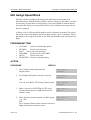
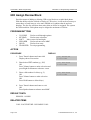
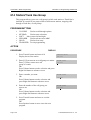
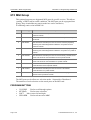
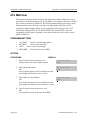
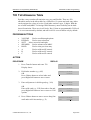
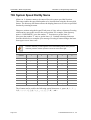
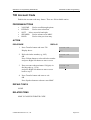
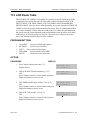
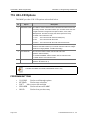
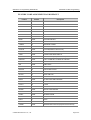
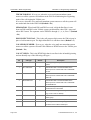
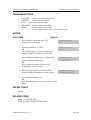
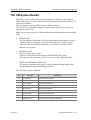
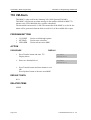
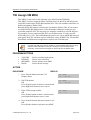
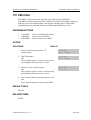
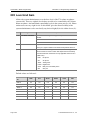
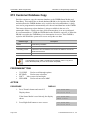
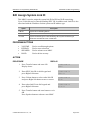
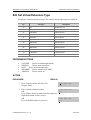
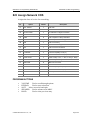
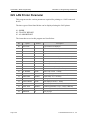
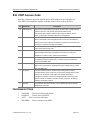
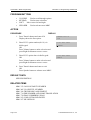
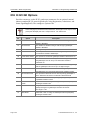
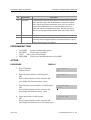
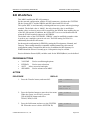
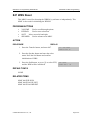
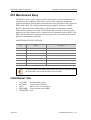
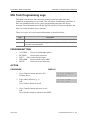
PROGRAM BUTTONS
!
!
!
!
!
!
!
!
!
!
VOLUME
KEYPAD
SOFT
SPEAKER
HOLD
B
C
D
E
F
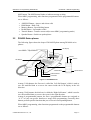
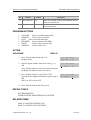
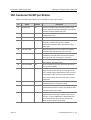
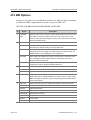
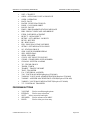
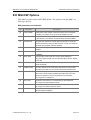
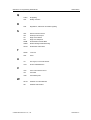
Used to scroll through options
Used to enter selections
Move cursor left and right
Used to advance next MMC
Used to clear previous entry
Used to insert a flash code ‘F’
Used to insert a pause code ‘P’
Used to insert a pulse/tone conversion code ‘C’
Used to mask/unmask following digits(shows as ‘[’ or ‘]’)
Used to enter name for speed dial bin(see MMC 106)
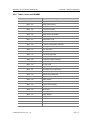
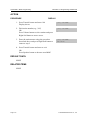
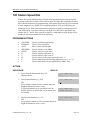
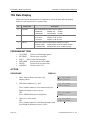
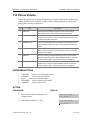
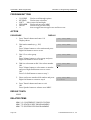
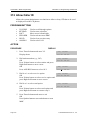
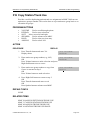
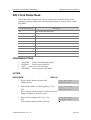
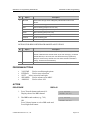
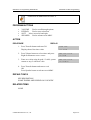
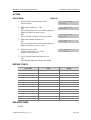
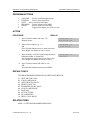
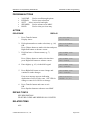
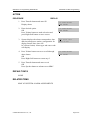
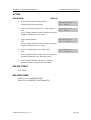
ACTION
PROCEDURE
DISPLAY
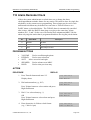
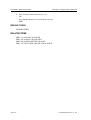
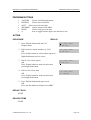
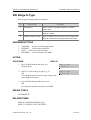
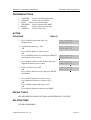
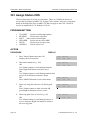
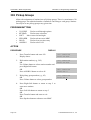
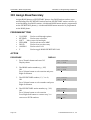
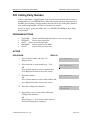
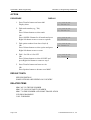
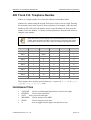
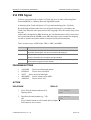
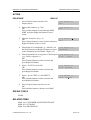
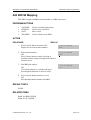
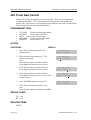
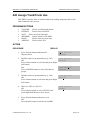
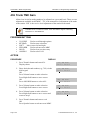
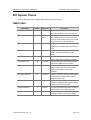
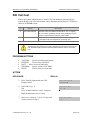
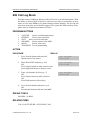
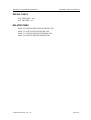
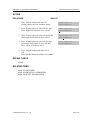
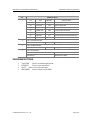
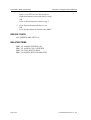
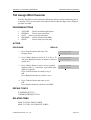
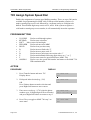
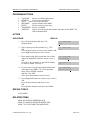
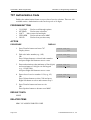
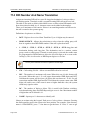
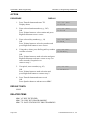
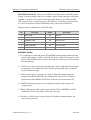
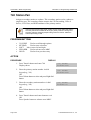
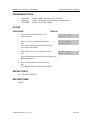
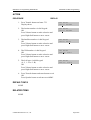
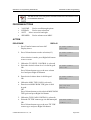
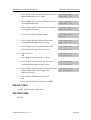
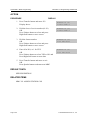
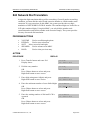
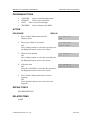
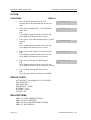
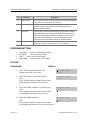
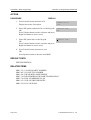
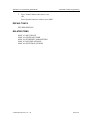
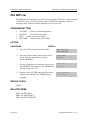
1. Press Transfer button and enter 105
Display shows
[201] SPEED DIAL
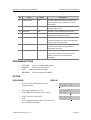
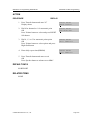
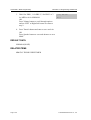
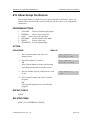
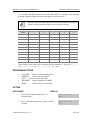
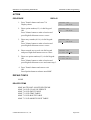
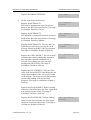
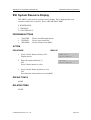
2. Dial station number(e.g., 205)
OR
Press Volume button to select station and press
Right Soft button to move cursor
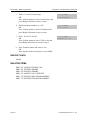
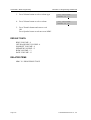
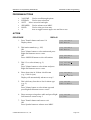
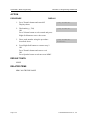
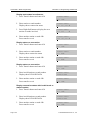
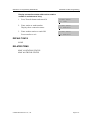
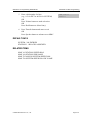
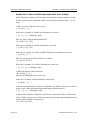
If selected station has no speed dial bins, the
display will be as shown and a new station may
be selected
[205] SPEED DIAL
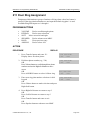
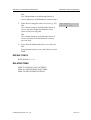
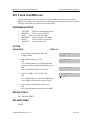
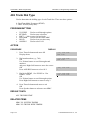
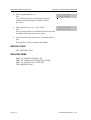
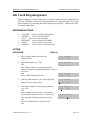
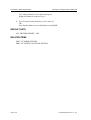
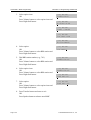
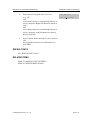
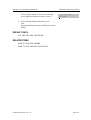
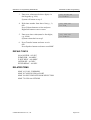
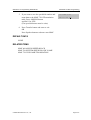
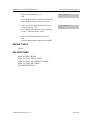
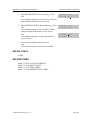
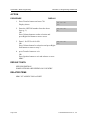
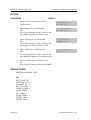
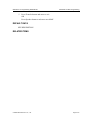
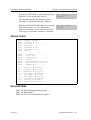
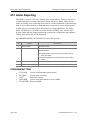
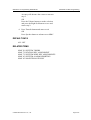
3. Dial location number(e.g., 05)
OR
Press Volume button to select location and press
Right Soft button to move cursor
[205] SPEED DIAL
© SAMSUNG Electronics Co., Ltd.
00:
00:
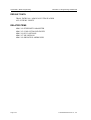
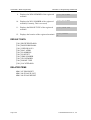
[205] SPEED DIAL
SPDBLK NOT EXIST
05:_
Page 2-11