Download
Acer AcerPower 2000 Technical information
1
2
3
4
5
6
7
8
9
10
11
12
13
14
15
16
17
18
19
20
21
22
23
24
25
26
27
28
29
30
31
32
33
34
35
36
37
38
39
40
41
42
43
44
45
46
47
48
49
50
51
52
53
54
55
56
57
58
59
60
61
62
63
64
65
66
67
68
69
70
71
72
73
74
75
76
77
78
79
80
81
82
83
84
85
86
87
88
89
90
91
92
93
94
95
96
97
98
99
100
101
102
103
104
105
106
107
108
109
110
111
112
113
114
115
116
117
Transcript
66
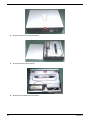
2.
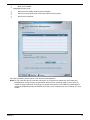
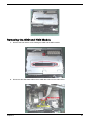
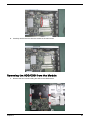
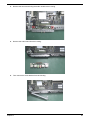
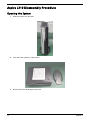
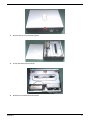
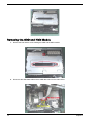
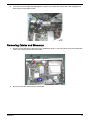
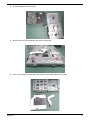
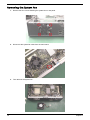
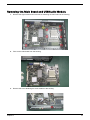
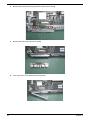
Pull out the HDD from the bracket.
3.
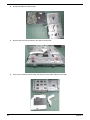
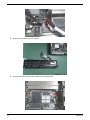
Remove the two screws fastening the ODD to the bracket.
4.
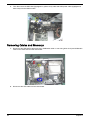
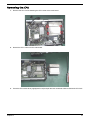
Take out the ODD from the bracket and disconnect the ODD cable from the ODD.
Chapter 3