1
SELF TIMER
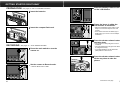
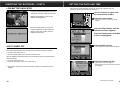
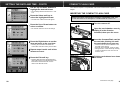
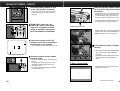
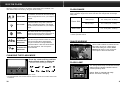
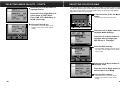
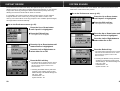
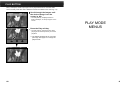
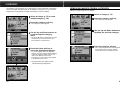
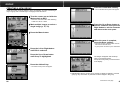
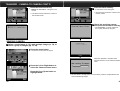
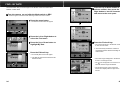
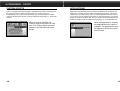
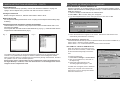
In Record mode, press the Menu
button.
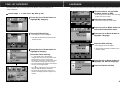
Press the Exit soft key.
• The camera will return to the Media Settings
menu.
• The Default soft key will return all the
settings on the screen to their default
setting.
• The Record mode menus will appear.
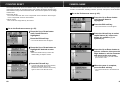
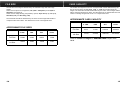
Press the Exit soft key in the
Media Settings menu.
• The camera will return to the Record
screen.
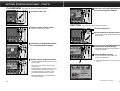
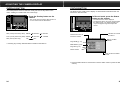
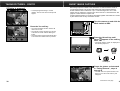
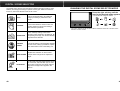
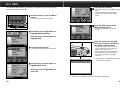
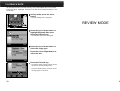
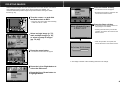
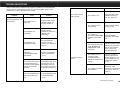
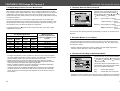
Press the Left or Right button to
highlight Media Settings.
Press the Up or Down button to
highlight Still.
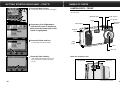
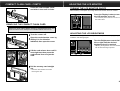
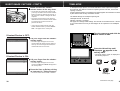
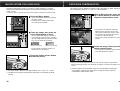
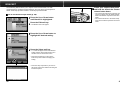
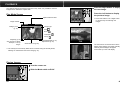
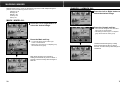
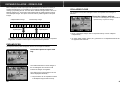
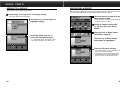
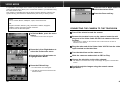
Place the camera on a tripod,
frame your subject, then press
the shutter release button.
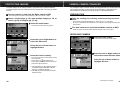
Press the Edit soft key.
• The Still Picture Settings menu will appear.
• The self-timer lamp on the front of the
camera will blink and a countdown will
appear in the LCD monitor.
• Do not press the shutter-release button
while standing in front of the camera.
• Cancel the countdown by turning the
camera off.
✎ The self-timer is automatically cancelled
after the picture is taken.
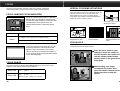
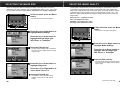
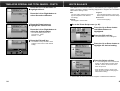
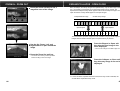
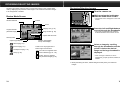
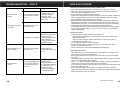
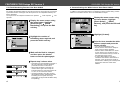
Press the Up or Down button to
highlight Self Timer.
Press the Left or Right button to
select On.
✎ Self-timer is not available for Burst or Timelapse image types.
50
51
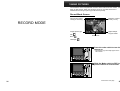
RECORD MENUS
The self-timer delays release of the shutter for approximately 10 seconds after the
shutter-release button is pressed.