1
6.3
LAN driver installation
This section provides the instructions on how to install the Intel® Gigabit LAN
controller drivers on the system.
You need to manually install the LAN contrroller driver on a Windows® operating
system.
To install the LAN controller drivers:
1.
2.
3.
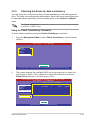
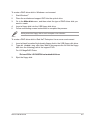
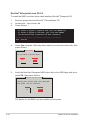
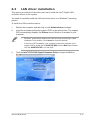
Restart the computer, and then log on with Administrator privileges.
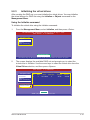
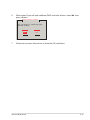
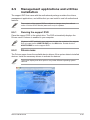
Insert the motherboard/system support DVD to the optical drive. The support
DVD automatically displays the Drivers menu if Autorun is enabled in your
computer.
•
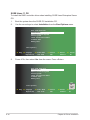
Windows® automatically detects the LAN controllers and displays a New
Hardware Found window. Click Cancel to close this window.
•
If Autorun is NOT enabled in your computer, browse the contents of the
support DVD to locate the file ASSETUP.EXE from the BIN folder. Doubleclick the ASSETUP.EXE to run the DVD.
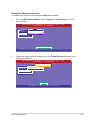
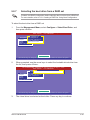
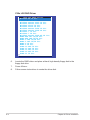
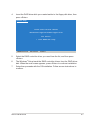
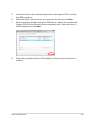
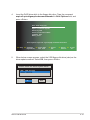
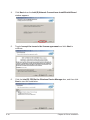
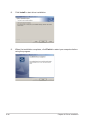
Click the Intel® PRO/1000 Gigabit Adapters Driver to begin installation.
ASUS P8B-M series
6-17