1
External Devices
163
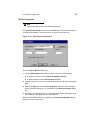
ISDN Settings
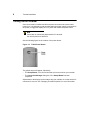
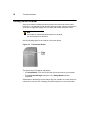
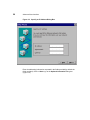
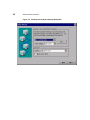
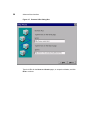
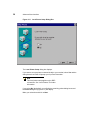
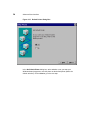
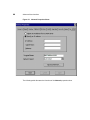
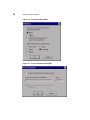
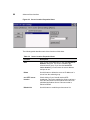
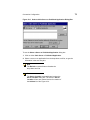
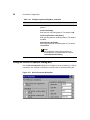
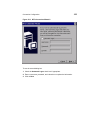
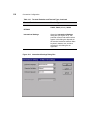
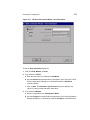
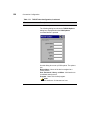
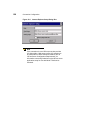
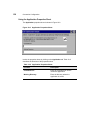
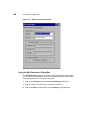
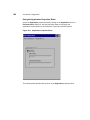
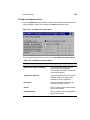
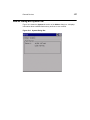
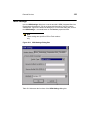
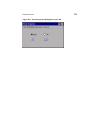
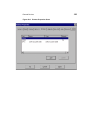
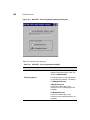
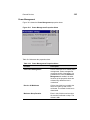
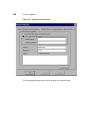
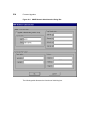
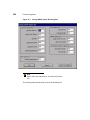
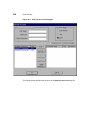
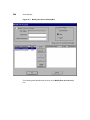
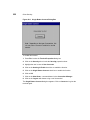
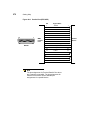
Use the ISDN Settings dialog box to set the terminal’s ISDN (Integrated Services
Digital Network) settings. If you do not know this information, ask your system
administrator. Figure 25-2 shows the dialog box. To invoke the dialog box, click on
the ISDN Settings... command button on the Devices properties sheet.
Note
These settings are specific to EiCon-Tech modems
only.
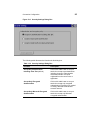
Figure 25-2 ISDN Settings Dialog Box
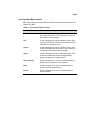
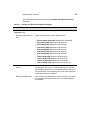
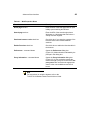
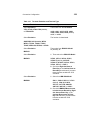
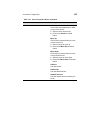
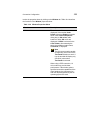
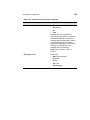
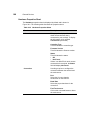
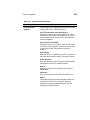
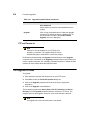
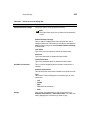
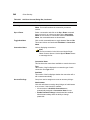
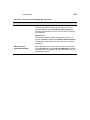
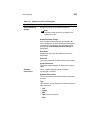
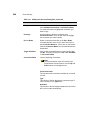
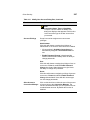
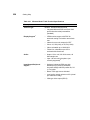
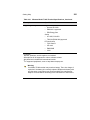
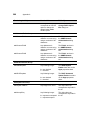
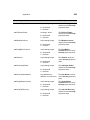
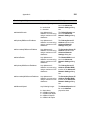
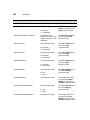
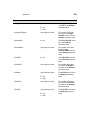
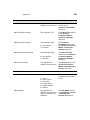
Table 25-2 discusses the functions of the ISDN Settings dialog box.