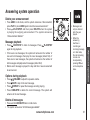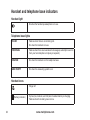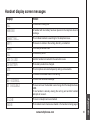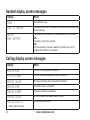
1
Advanced operation
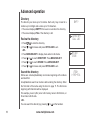
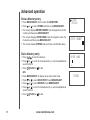
Store a directory entry
• Press MENU/SELECT twice to enter the DIRECTORY.
• Press
or
to reach STORE and then press MENU/SELECT.
• The screen displays ENTER Number. Use the keypad to enter the
number and then press MENU/SELECT.
• The screen displays ENTER Name. Use the keypad to enter the
characters and then press MENU/SELECT.
• The screen displays Stored and you’ll hear a confirmation beep.
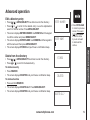
Dial a directory entry
• Press
/ to enter the directory.
• Press
or
to scroll to the desired entry, or use the alphabetical
search to find it.
• Press
/FLASH or
to dial.
-OR• Press MENU/SELECT to display menu when in idle mode.
• Press
or
to reach directory. Press MENU/SELECT.
• Press
or
to reach REVIEW. Press MENU/SELECT.
• Press
or
to scroll to the desired entry, or use the alphabetical
search to find it.
• Press
/FLASH or
to dial.
18
www.vtechphones.com
STORE
REVIEW
enter Number
ENTER NAME
a
STORED