1
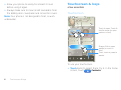
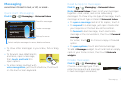
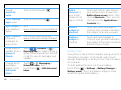
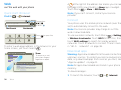
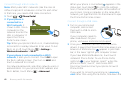
status bar at the top of your screen, touch
connection, and choose USB connection.
USB
Tools
helping you stay in control
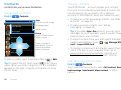
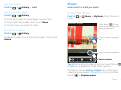
Alarm clock
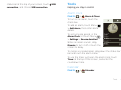
Find it:
>
Alarm & Timer
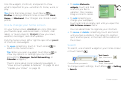
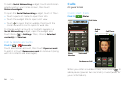
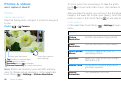
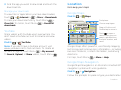
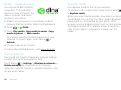
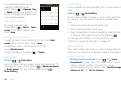
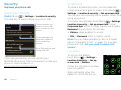
To turn on an alarm, touch the
check box.
Alarm
Timer
To add an alarm, touch Menu
> Add alarm, then enter alarm
details.
To set a snooze period, in the
Alarm Clock list touch Menu
> Settings > Snooze duration.
7:00
AM
every day
Alarm Name
8:30
AM
Mon, Tue, Wed, Thu, Fri
Alarm Name
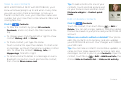
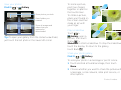
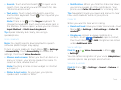
When an alarm sounds, drag
Dismiss to turn it off or touch the
9:00
AM
Alarm Name
screen to delay.
To cancel a snoozed alarm, drag down the status bar
bar and touch the alarm name.
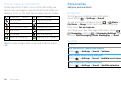
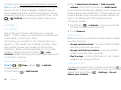
To use the timer, just open the alarm clock, touch
Timer at the top of the screen, and enter the
countdown time.
Calendar
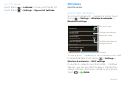
Find it:
>
Calendar
Tools
43