1
MODEL: WD-Y57 / WD-Y65 / WD-57732 / WD-65732 / WD-73732
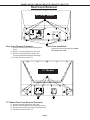
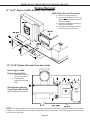
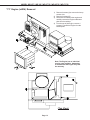
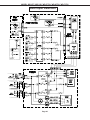
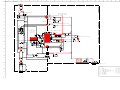
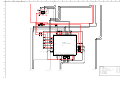
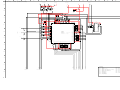
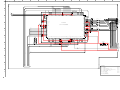
PWB-DM Removal
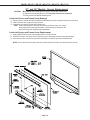
A
After removing PWB-SIGNAL:
1) Remove 9 screws (A) from the
PWB-DM.
2) Remove 2 hex screws (B) from
the DVI connector.
3) Lift the PWB-DM from the
chassis box.
B
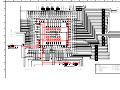
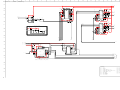
If PWB-DM is replaced, transfer the PWB-E2P
from the old DM to the new DM.
Then perform the data transfer procedures
"Copy Light Engine E2PROM to DM"
and "Download WB Alignment to FMT"
described on page 32.
A
A
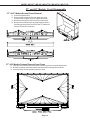
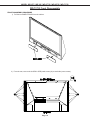
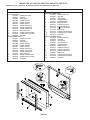
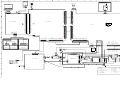
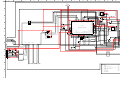
Chassis (top view)
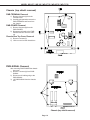
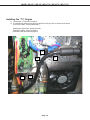
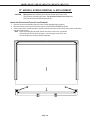
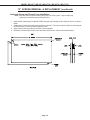
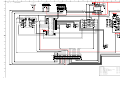
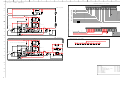
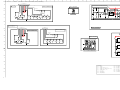
Exhaust Fan Replacement
1) Remove 4 screws (A) and
remove the exhaust duct cover.
2) Slide the Exhaust Fan from the
duct and unplug the JF connector.
Note: Save the rubber cushions, they do not come with a
new fan.
3) When installing the fan ensure
the leads come out the bottom
of the fan as shown in the
picture.
A
A
Exhaust
Fan
A
A
Page 11