1
Chapter 8. General Settings
64
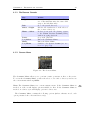
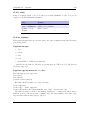
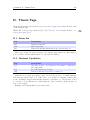
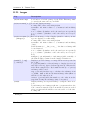
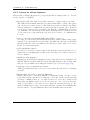
If Follow Playlist is set to No, when you enter the File Browser from the
WPS, you will find yourself in the directory you were in when you last left the
File Browser.
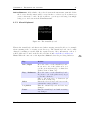
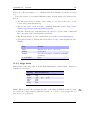
Show Path. If this setting is set to Full Path the full path to the current directory
will be displayed on the first line in the File Browser. If set to Current
Directory Only only the name of the current directory will be displayed.
This has a similar effect on the Database browser. If set to Current Directory
Only or Full Path, then the title of each menu will be displayed on the first line
in the Database Browser.
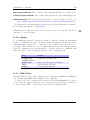
8.3. Database
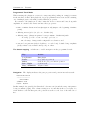
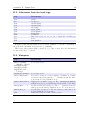
This sub menu allows you to configure the database. See section 4.2 (page 27) for more
information about using the database.
8.4. Display
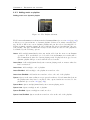
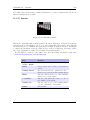
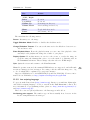
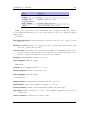
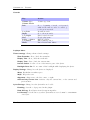
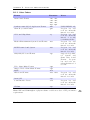
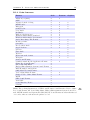
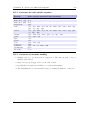
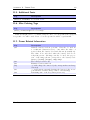
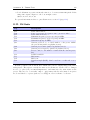
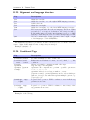
LCD Settings. This sub menu contains settings that relate to the display of the player.
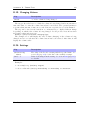
Backlight. The amount of time the backlight shines after a key press. If set to
Off, the backlight will not light when a button is pressed. If set to On, the
backlight will never shut off. If set to a time (1 to 90 seconds), the backlight
will stay lit for that amount of time after a button press.
Backlight (While Plugged In). This setting is equivalent to the Backlight setting except it applies when the player is plugged into the charger.
Backlight on Hold. This setting controls the behavior of the backlight when the
Hold switch is toggled. If set to Normal the backlight will behave as usual.
If set to Off the backlight will be turned off immediately when the Hold
switch is engaged and if set to On the backlight will be turned on and stay
on while the Hold switch is engaged.
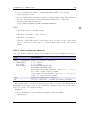
Caption Backlight. This option turns on the backlight a number of seconds before
the start of a new track, and keeps it on for the same number of seconds after
the beginning so that the display can be read to see song information. The
amount of time is determined by the value of the backlight timeout setting,
but is no less than 5 seconds.
First Keypress Enables Backlight Only. With this option enabled the first keypress while the backlight is turned off will only turn the backlight on without
having any other effect. When disabled the first keypress will also perform
its appropriate action.
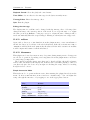
Brightness. Changes the brightness of your LCD display.
The Rockbox manual
(version rUnversioned directory-150516)
Sansa Clip Zip