1
External control user guide
.
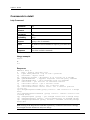
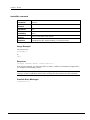
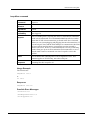
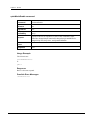
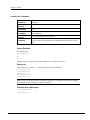
changeGroupGet Command
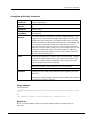
Command
changeGroupGet
Shortcut
cgg
Arguments
[group]
Availability
when logged in
Purpose
to read the changed values of a Change Group.
Notes
The group name argument is optional. If not included, a Change Group
named 'default Change Group' will be used. The number of changes that
have occurred is indicated in the first line of the response.
Response
see below
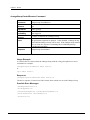
Usage Example
The client issues:
changeGroupGet "Balcony Speaker Overload Indicators Change Group"\r
or
cgg "Balcony Speaker Overload Indicators Change Group"\r
All values that have changed will be returned.
Response
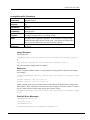
RATC2 responds with the number of values that have changed and a value for each change.
For example:
changeGroupChanges "Balcony Speaker Overload Indicators Change Group"
2\r\n
valueIs "North 1 OL" on 1.000\r\n
valueIs "North 3 OL" off 0.000\r\n
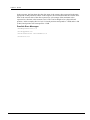
In this example, there are two Control Aliases in the Change Group that have changed since
the last query. If the command is issued again, with no changes to Control Aliases, or if there
are no Control Aliases in the Change Group, the response will be:
changeGroupChanges "Balcony Speaker Overload Indicators Change Group"
0\r\n
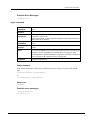
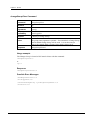
Possible Error Messages
\aBadArgumentCount\r\n
\aOverflow\r\n
\aNotRunning\r\n
\aInvalidChangeGroup "yourBogusGroupName"\r\n
March 27, 2015
Version 1.7.2.0
41