1
Chapter 4 Configuration
Installation and Operation Manual
RICi-622GE
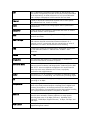
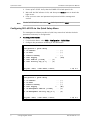
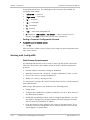
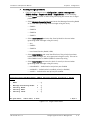
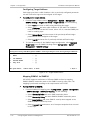
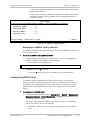
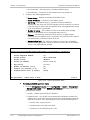
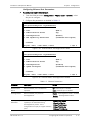
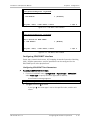
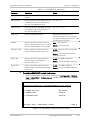
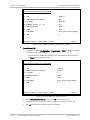
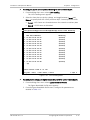
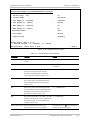
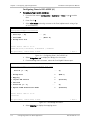
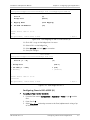
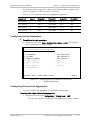
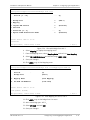
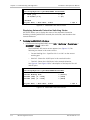
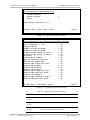
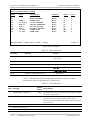
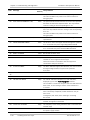
Configuration>Application>Flows>Bridge Port List
Flow ID [1 – 16]
(1)
1. Bridge Port
(ETH-1)
2. Mapping
>
3. Ingress BW Profile
(Profile1)
4. Services
>
5. Fixed CoS [0 – 3]
(0)
6. Egress VLAN Preservation Mode
(Preserve)
>
Please select item <1 to 6>
F-Forward
ESC-prev.menu; !-main menu; &-exit
1 M/2 C
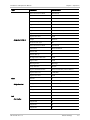
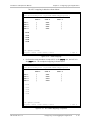
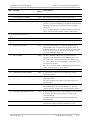
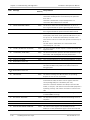
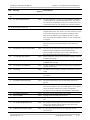
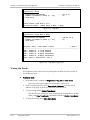
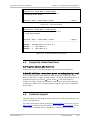
Figure 4-51. Bridge Port List Menu for User Port, LAG Disabled
RICi-622GE
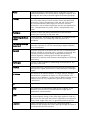
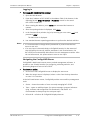
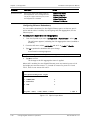
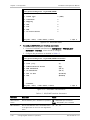
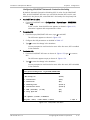
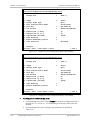
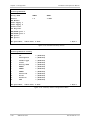
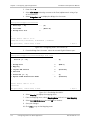
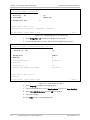
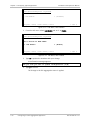
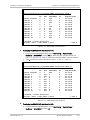
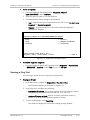
Configuration>Application>Flows>Bridge Port List
Flow ID [1 – 16]
(1)
1. Bridge Port
(LAG-1)
2. Mapping
>
3. Ingress BW Profile
(Profile1)
4. Services
>
5. Fixed CoS [0 – 3]
(0)
6. Egress VLAN Preservation Mode
(Preserve)
>
Please select item <1 to 4>
F-Forward
ESC-prev.menu; !-main menu; &-exit
1 M/2 C
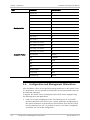
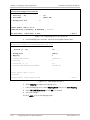
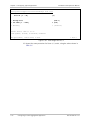
Figure 4-52. Bridge Port List Menu for User Port, LAG Enabled
4-44
Configuring RICi-622GE for Operation
RICi-622GE Ver. 1.0