1
Symbologies
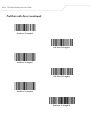
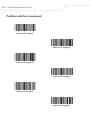
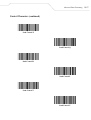
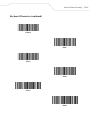
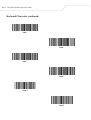
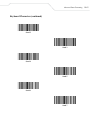
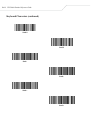
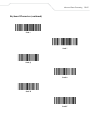
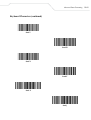
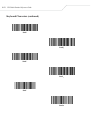
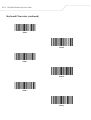
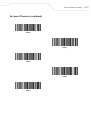
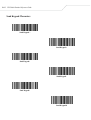
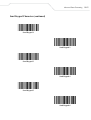
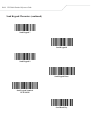
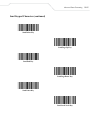
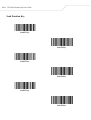
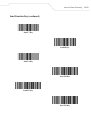
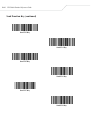
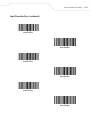
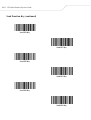
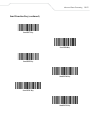
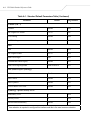
Set Lengths for Interleaved 2 of 5 (continued)
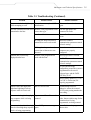
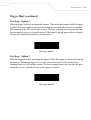
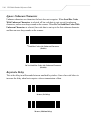
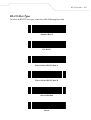
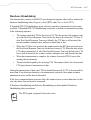
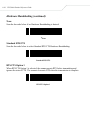
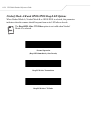
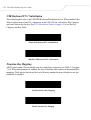
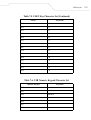
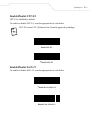
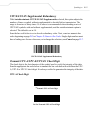
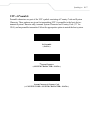
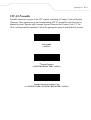
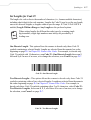
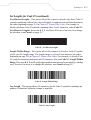
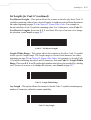
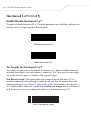
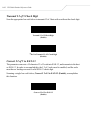
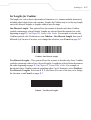
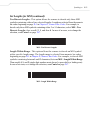
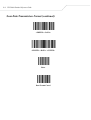
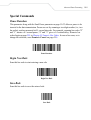
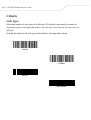
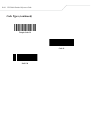
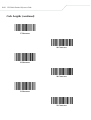
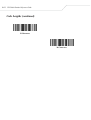
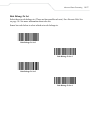
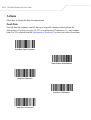
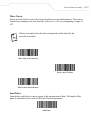
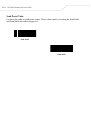
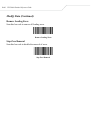
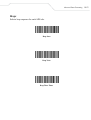
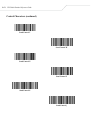
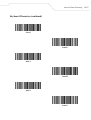
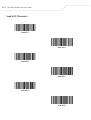
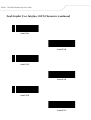
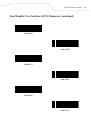
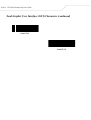
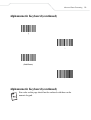
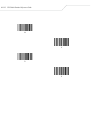
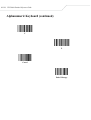
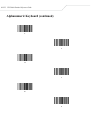
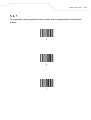
Two Discrete Lengths - This option allows the scanner to decode only those I 2 of 5
symbols containing either of two selected lengths. Lengths are selected from the numeric
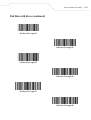
bar codes beginning on page D-1 in Chapter D, Numeric Bar Codes. For example, to
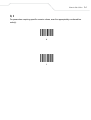
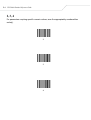
decode only those I 2 of 5 symbols containing either 2 or 14 characters, select I 2 of 5 Two Discrete Lengths, then scan 0, 2, 1, and then 4. In case of an error, or to change
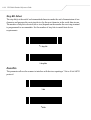
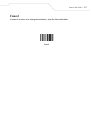
the selection, scan Cancel on page D-7.
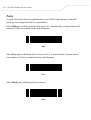
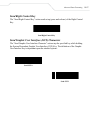
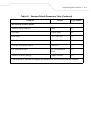
I 2 of 5 - Two Discrete Lengths
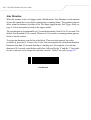
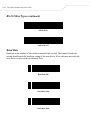
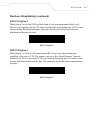
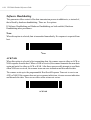
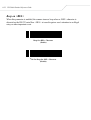
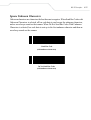
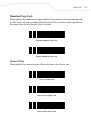
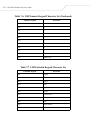
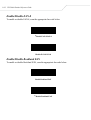
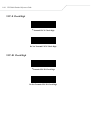
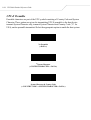
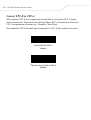
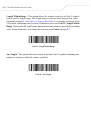
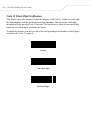
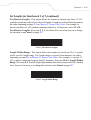
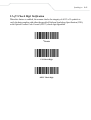
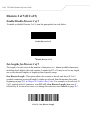
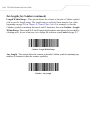
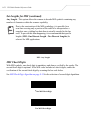
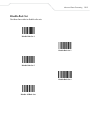
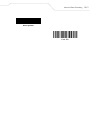
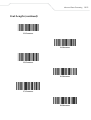
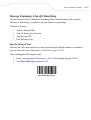
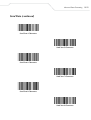
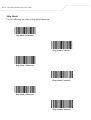
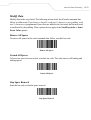
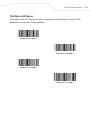
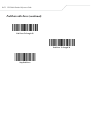
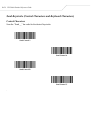
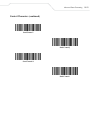
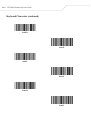
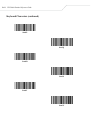
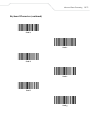
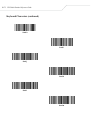
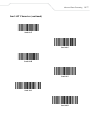
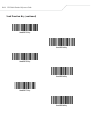
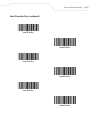
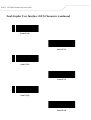
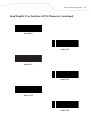
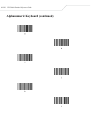
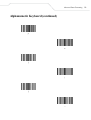
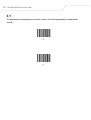
Length Within Range - This option allows the scanner to decode an I 2 of 5 symbol
with a specific length range. The length range is selected from numeric bar codes
beginning on page D-1 in Chapter D, Numeric Bar Codes. For example, to decode I 2
of 5 symbols containing between 4 and 12 characters, first scan I 2 of 5 - Length Within
Range. Then scan 0, 4, 1, and 2 (single digit numbers must always be preceded by a leading
zero). In case of an error, or to change the selection, scan Cancel on page D-7.
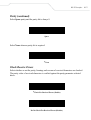
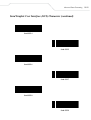
I 2 of 5 - Length Within Range
8-39