1
9
CAN Communications in Simulink
2
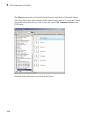
Open the Function–Call Subsystem block and:
• Double-click In1 to rename it to CAN Msg.
• Double-click Out1 to rename it to data.
3
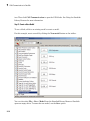
Rename the Function–Call Subsystem block to CAN Unpack Subsystem.
4
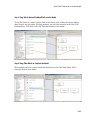
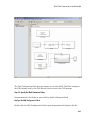
Connect the f() output port on the CAN Receive block to the function() input port
on the Function–Call Subsystem block.
5
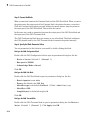
Connect the CAN Unpack Subsystem output port to the input port on the Scope
block.
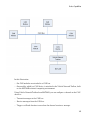
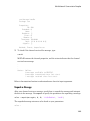
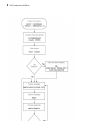
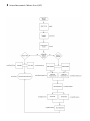
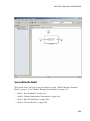
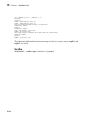
Your model looks like this figure.
9-20