1
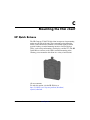
Mounting the thin client
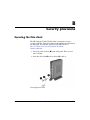
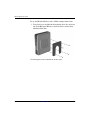
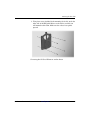
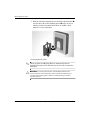
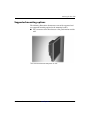
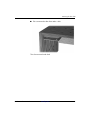
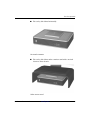
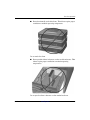
3. Slide the side of the mounting device attached to the thin client 1
over the other side of the mounting device 2 on the device on
which you want to mount the thin client. An audible ‘click’
indicates a secure connection.
Connecting the thin client
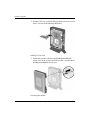
attached, the HP Quick Release automatically locks in
✎ When
position. You only need to slide the lever to one side to remove the
thin client.
Ä
C-4
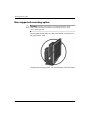
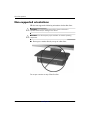
CAUTION: To ensure proper function of the HP Quick Release and a
secure connection of all components, make sure both the release lever on
one side of the mounting device and the rounded opening on the other
side face upward.
www.hp.com
Hardware Reference Guide