1
1.2
Getting started
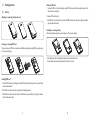
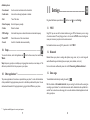
Removing SIM card
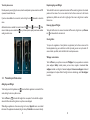
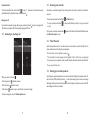
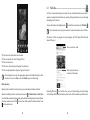
1. To remove SIM card, start by sliding the metal SIM card tray to left unlock position, tray will click
and release when unlocked.
1.2.1 Set-up
2. Remove SIM card from slot.
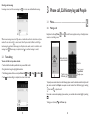
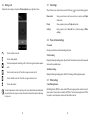
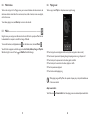
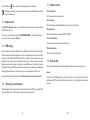
Attaching or removing back phone cover
3. Once SIM card is removed from slot, close metal SIM card tray, then slide tray to right lock position,
tray will click when locked.
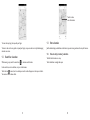
Installing or removing battery
Before inserting/removing battery, ensure phone is off to prevent damage.
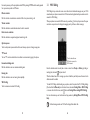
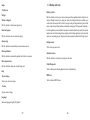
Inserting or removing SIM card
You must insert your SIM card to make phone calls. Before inserting/removing SIM card, ensure phone
is off to prevent damage.
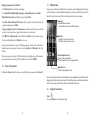
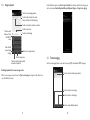
• Insert battery into slot until locked in position, then close the battery cover.
• Remove battery cover and unlock battery from slot, then remove.
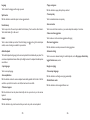
Installing SIM card
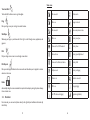
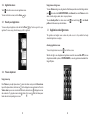
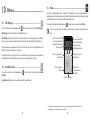
1. To install SIM card, start by sliding the metal SIM card tray to left unlock position, tray will click and
release when unlocked.
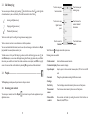
2. Place SIM card into the slot with the gold contacts facing downword.
3. Once SIM card is placed into slot, close metal SIM card tray, then slide tray to right lock position,
tray will click when locked.
9
10