1
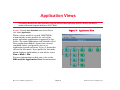
Application Views
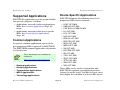
Supported Applications
Conn. Type
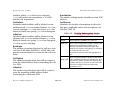
The connection type of the backup port.
Redial
The number of times that the Switched Service
will attempt to redial when the redial timer is
expired. A value of zero will allow unlimited
attempts.
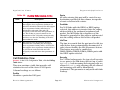
Status
The status of the backup port. Valid values are:
down, up, activating, redial, idle,
deactivating, and newvalDown.
Reason
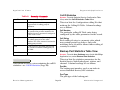
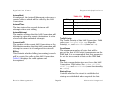
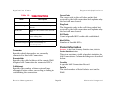
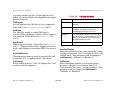
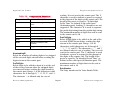
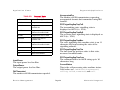
The reason that the backup port is active. Table 9
displays the valid reasons and descriptions:
LastActivate
The last time the backup port was activated.
LastDialedNo
The phone number dialed the last time the
backup port was activated.
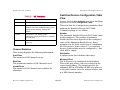
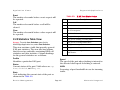
Table 9: Reasons
Reason
Description
none
Backup port is deactivated.
call
A call request was made on the backup
port.
fail
Due to a link failure on the monitored
port.
remote
A call request was made to the backup
port.
cto
Backup port was activated from the
control terminal.
newvalNone
Same functionality as ’none’.
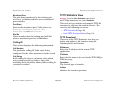
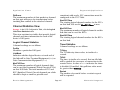
Port Statistics Table View
Access: From the Icon Subviews menu for the MotSSApp
Application icon, select Link Statistics.
This view lists the statistics parameters for the
Link Backup’s monitored port. The view has the
following two defined areas:
• Monitored Port (Page 29)
• Calling ID (Page 30)
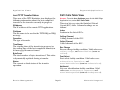
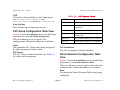
Monitored Port
This section displays the following information:
Index Port
The backup port number, used as a primary
index to access monitored port statistics.
Device Management
Page 29
Motorola Vanguard