1
Chapter 6: Using the Internet
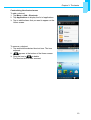
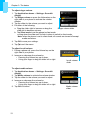
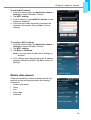
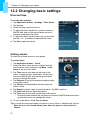
To add a Wi-Fi network
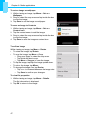
1. From the Home screen, tap Application drawer >
Settings to access Wireless Controls.
2. Tap Wi-Fi settings.
3. In Wi-Fi networks, tap Add Wi-Fi network. A new
window is displayed.
4. Follow the on-screen instructions and enter the
necessary information, then tap Save to store
settings.
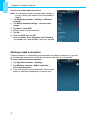
To configure Wi-Fi settings
1. From the Home screen, tap Application drawer >
Settings to access Wireless Controls.
2. Tap Wi-Fi settings.
3. Tap Menu > Advanced.
Note: if you use static IP, enter the IP settings as
required.
4. In IP settings, enter the information for IP address,
gateway, netmask and DNS. Tap OK to save your
settings.
Mobile data network
Check the availability of these connections with your
network service provider and obtain the following
information:
•
•
•
•
•
Access point name
Proxy
Port
User name
Password
36