1
Red Hat® Enterprise Linux OS 4.7/4.8
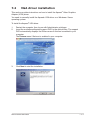
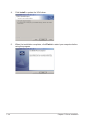
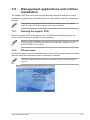
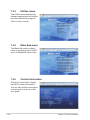
To install the RAID controller driver when installing��������
Red Hat® Enterprise OS:
1.
Boot the system from the Red Hat® OS installation CD.
3.
Press <Enter>.
2.
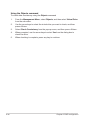
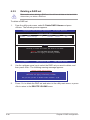
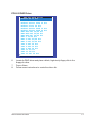
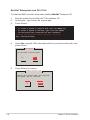
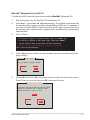
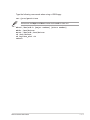
At the boot:, type linux dd nostorage.
- To install or upgrade in graphical mode, press the <ENTER> key.
- To install or upgrade in text mode, type: linux text <ENTER>.
- Use the function keys listed below for more information.
[F1-Main] [F2-Options] [F3-General] [F4-Kernel] [F5-Rescue]
boot: linux dd nostorage
4.
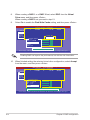
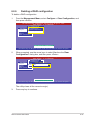
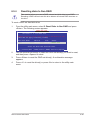
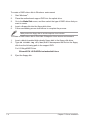
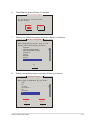
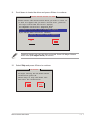
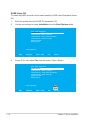
Select Yes using the <Tab> key when asked if you have the driver disk, then
press <Enter>.
Main Menu
Do you have a driver disk?
Yes
5.
No
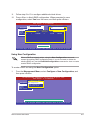
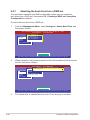
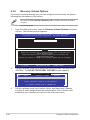
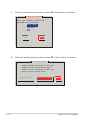
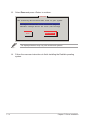
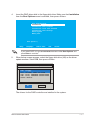
Press <Enter> to continue.
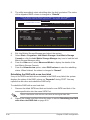
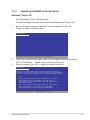
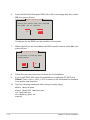
Insert Driver Disk
Insert your driver disk into /dev/sda
and press “OK” to continue.
OK
7-8
Cancel
Chapter 7: Driver installation