1
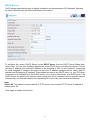
URL Filter
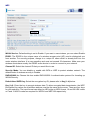
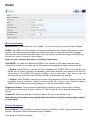
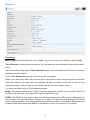
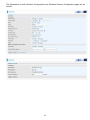
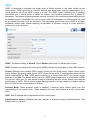
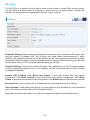
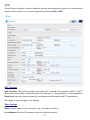
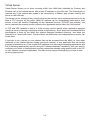
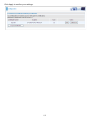
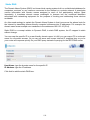
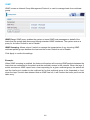
The URL Filter is a powerful tool that can be used to limit access to certain URLs on the Internet.
You can block web sites based on keywords or even block out an entire domain. Certain web
features can also be blocked to grant added security to your network.
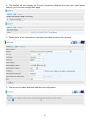
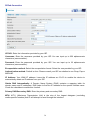
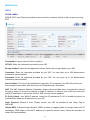
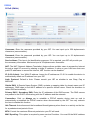
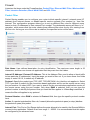
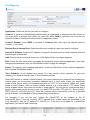
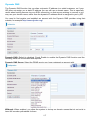
Keywords Filtering: Allow blocking against specific keywords within a particular URL rather than
having to specify a complete URL (e.g. to block any image called “advertisement.gif”). When
enabled, your specified keywords list will be checked to see if any keywords are present in URLs
accessed to determine if the connection attempt should be blocked. Please note that the URL filter
blocks web browser (HTTP) connection attempts using port 80 only.
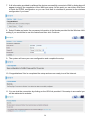
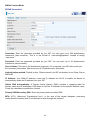
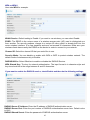
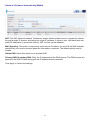
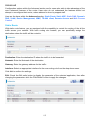
Domains Filtering: This function checks the whole URL address but not the IP address against
your list of domains to block or allow. If it is matched, the URL request will either be sent (Trusted)
or dropped (Forbidden).
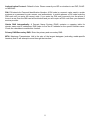
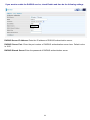
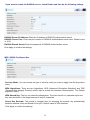
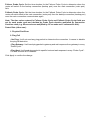
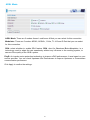
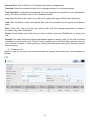
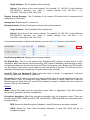
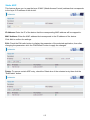
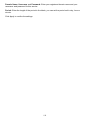
Restrict URL Features: Click Block Java Applet to filter web access with Java Applet
components. Click Block ActiveX to filter web access with ActiveX components. Click Block
Cookie to filter web access with Cookie components. Click Block Proxy to filter web proxy access.
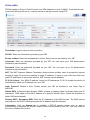
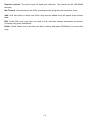
Exception List: You can input a list of IP addresses as the exception list for URL filtering.
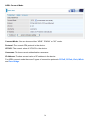
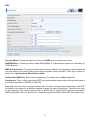
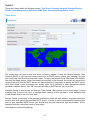
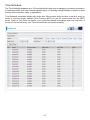
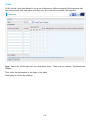
Time Schedule: A self defined time period. You may specify a time schedule for your prioritization
policy. For setup and detail, refer to Time Schedule section.
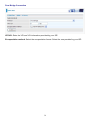
Log: Select Enable for this option if you will like to capture the logs for this URL filter policy.
129