1
Using your remote assistant
This section describes how to use your remote assistant. It describes:
•
How to select your remote assistant language.
•
How to pair your remote assistant with your processor.
•
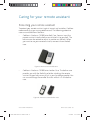
How to hold and operate your remote assistant.
•
How to access and perform key functions.
•
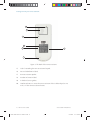
The indicator lights on your remote assistant and what they mean.
Selecting your remote assistant language
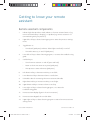
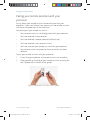
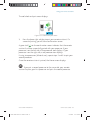
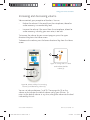
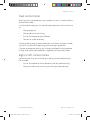
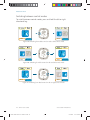
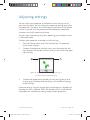
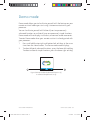
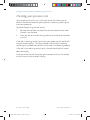
When you turn on your remote assistant, the Language Select screen
displays if your remote assistant is not paired with your processor. This
screen allows you to select the language you wish to use.
English
Figure 11: Language Select screen
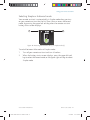
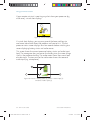
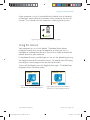
To change the language, scroll left or right using the left and right
directional keys. You can also use the lower left and lower right soft
keys.
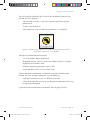
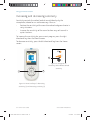
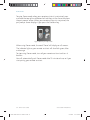
To pair your remote assistant after changing the language, place the
coil on the back of your remote assistant. For more information, see the
following section.
© Cochlear Limited 2010
195993 ISS6 CR110 User Guide 01.indd 21
CR110 User Guide - 21
8/10/2010 11:18:25 AM