1
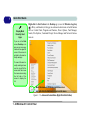
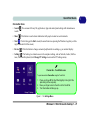
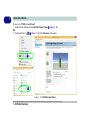
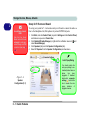
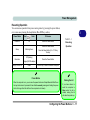
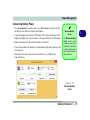
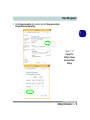
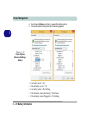
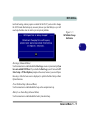
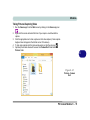
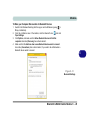
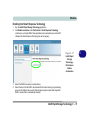
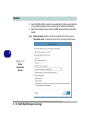
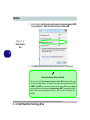
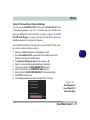
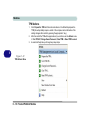
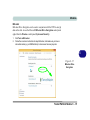
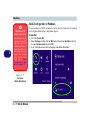
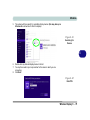
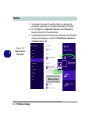
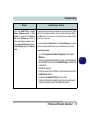
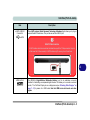
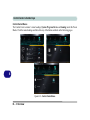
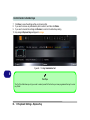
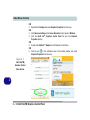
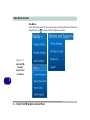
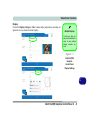
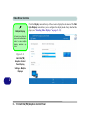
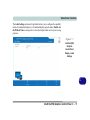
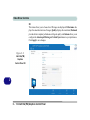
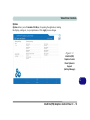
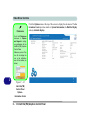
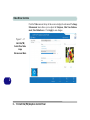
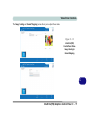
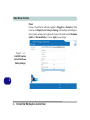
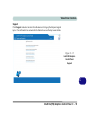
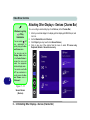
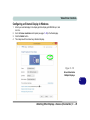
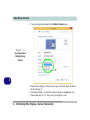
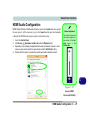
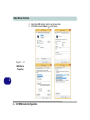
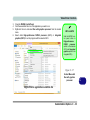
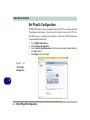
Video Driver Controls 3. 4. 5. 6. Close the NVIDIA Control Panel. Find the executable file icon of the application you want to run. Right-click the icon and select Run with graphics processor from the context menu. Select either High-performance NVIDIA processor (dGPU) or Integrated graphics (iGPU) to run the program with the selected GPU. iGPU or dGPU Note the NVIDIA control panel refers to High-performance NVIDIA processor (which is the discrete GPU) and Integrated graphics (which is the integrated GPU). Figure C - 27 Context Menu with Run with graphics processor Right-click the application executable file Customization Options C - 33 C