1
MyPBX U100&U200 Administrator's Guide
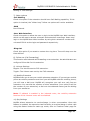
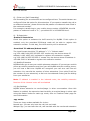
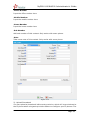
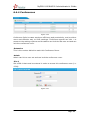
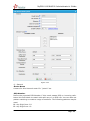
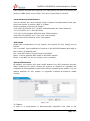
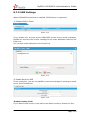
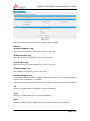
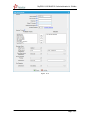
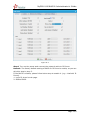
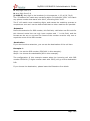
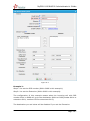
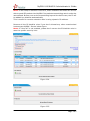
2) USB Devices Management
·
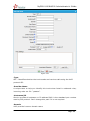
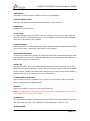
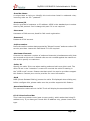
Format USB
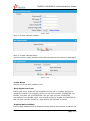
Formatting will erase all data on the USB, and initialize the USB Device.
·
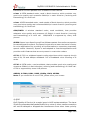
Clear USB
Clearing will erase all data on the USB.
·
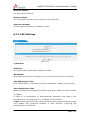
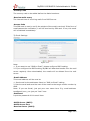
Remove USB Safely
When ticked, the USB Device will be removed safely.
Warning: Please do not remove USB device when recording a call, or else USB
device will be damaged.
To remove USB device, click the button "Remove USB Safely" and follow the
instructions.
Note:
1. When 95% of the USB device‟s storage space is used up, the system will
automatically delete the old recordings in a chronological manner until the
used space is smaller than 85%.
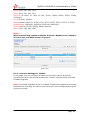
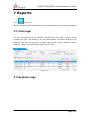
2. Every second of a call recording uses about 8 KB space. The following shows
the storage capacity of USB device and its relevant recording hours.
Storage Capacity
Call Recording (Hours)
2GB 4GB 8GB 16GB 32GB 64GB 128GB 256GB
64
128 256
512
1024 2048
4096
8192
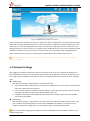
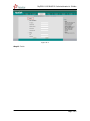
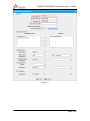
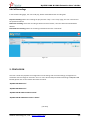
Figure J-4
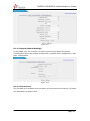
4. Recording Settings
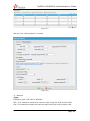
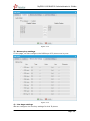
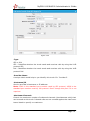
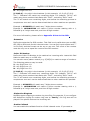
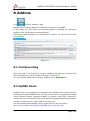
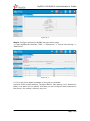
1) General Preferences
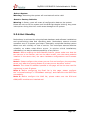
Note: Before enabling call recording, please make sure that the USB have been
inserted and the format is correct.
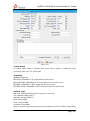
·
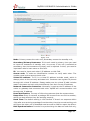
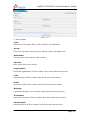
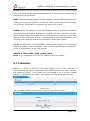
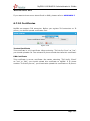
Enable Call Recording
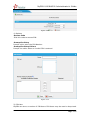
Enable this function here. You can tick:
a. Record Inbound calls
b. Record Outbound calls
c. Record Internal calls
d. Record Callback calls.
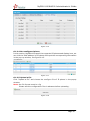
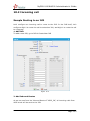
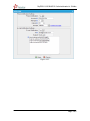
2) Apply To
·
Trunks Recording
www.yeastar.com
Page 168