1
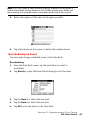
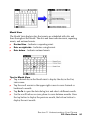
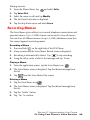
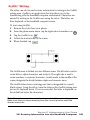
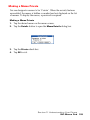
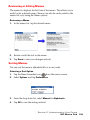
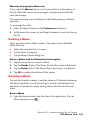
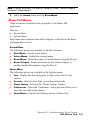
To change to week view:
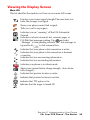
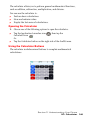
1. Tap the Week View icon or press
until the week view is
displayed.
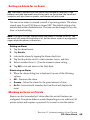
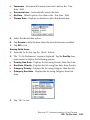
2. Press the up or down volume buttons located on the side of the
phone to move between different weeks.
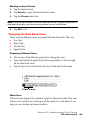
Tip: To reschedule an event, tap and drag the event to a different time
or day.
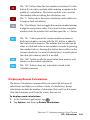
Note: The Week View also shows untimed events and events before and
after the range of times displayed.
3. Tap an event to display the event description.
Event Conflicts
With the ability to define specific start and end times for any event, it is
possible to schedule events that overlap (an event that starts before a
previous event finishes).
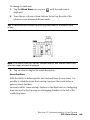
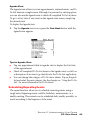
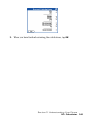
An event conflict (time overlap) displays in the Week view as overlapping
time bars and in the Day view as overlapping brackets to the left of the
conflicting times.
Section 2: Understanding Your Phone
2H: Date Book
90