1
Table of Contents
Index
Equalizer
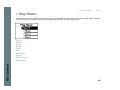
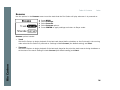
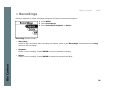
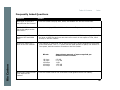
The sound of tracks played on the Rio Carbon can be adjusted using various preset and fully customizable equalizer options. Equalizer settings include:
Custom
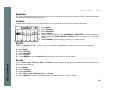
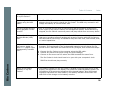
Custom mode allows the Rio Carbon’s settings to be adjusted according to personal preferences.
1
2
3
4
5
6
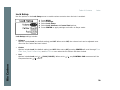
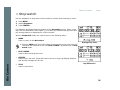
Press MENU.
Select Settings.
Select Equalizer.
Select Custom.
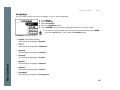
Adjust 5-band equalizer. Press FORWARD or REVERSE to navigate between
frequencies. Press PLAY/PAUSE or STOP to boost or cut the Gain of the frequency.
Press CENTER to save settings and return to Player mode.
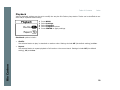
EQ Off
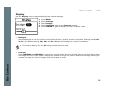
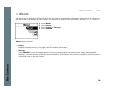
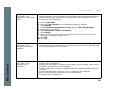
Select the EQ Off equalizer option to apply no equalizer adjustments to audio content on the Rio Carbon.
1
2
3
4
5
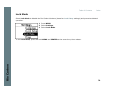
Press MENU.
Select Settings.
Select Equalizer.
Select EQ Off.
Press CENTER to set the EQ Off equalizer option and return to Player mode.
Rio Carbon
Preset
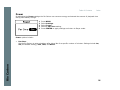
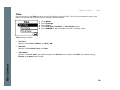
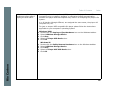
Select a Rock, Jazz, Classical, Pop, or Trance equalizer option to change the sound of tracks according to the
selected preset settings.
1
2
3
4
5
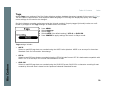
Press MENU.
Select Settings.
Select Equalizer.
Select Rock, Jazz, Classical, Pop, or Trance.
Press CENTER to set the selected equalizer option and return to Player mode.
24