1
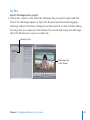
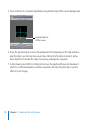
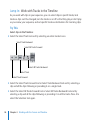
During this section, feel free to place your clips in the Timeline repeatedly to build a
longer sequence to experiment with, or place Sample Clip 1, Sample Clip 2, Sample
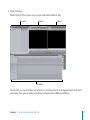
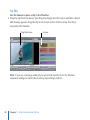
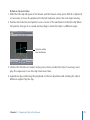
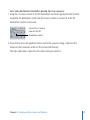
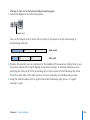
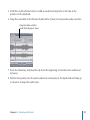
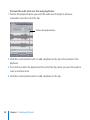
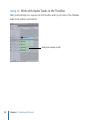
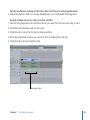
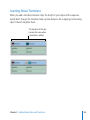
Clip 3, and Audio Clip 1 in the Timeline as shown in the following illustration:
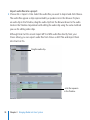
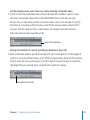
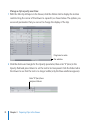
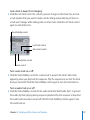
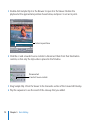
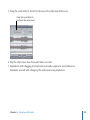
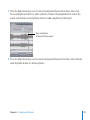
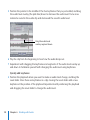
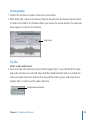
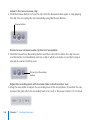
To add Audio Clip 1 to the sequence, drag the audio clip from the Browser to the Timeline
below Sample Clip 1 and release the mouse button when the downward-pointing arrow
appears. Final Cut Pro automatically adds two audio tracks.
82
Chapter 4    Working with the Canvas and Timeline