1
MyPBX U5XX Administrator's Guide
APPENDIX G How to Use Email to
SMS
How to use Email to SMS
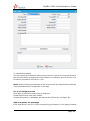
You need to send an email to the specified email address (you set in Email
Settings. In this case, it is [email protected]).The content of this email will be
sent to the number you want as message. The subject (title) of the email will
determine the number. Here are some examples of the formats to the subject of
the email.
Example:
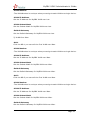
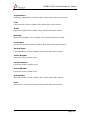
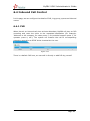
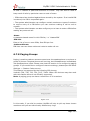
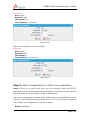
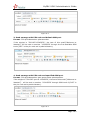
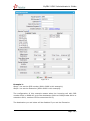
1. Send message with no PIN code and default GSM port.
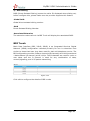
Format: phonenumber
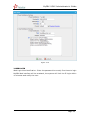
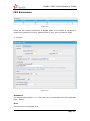
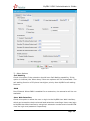
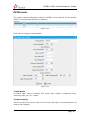
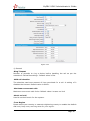
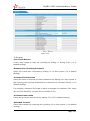
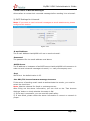
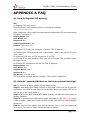
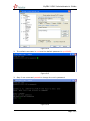
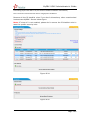
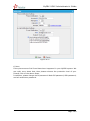
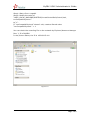
if the subject is "12345678", the text of this email(“Welcome to Yeastar!”) will
be sent to number "12345678" through the first available GSM trunk(No pin
code should be set by administrator).
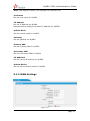
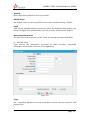
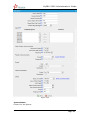
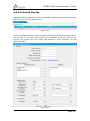
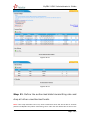
Figure G-1
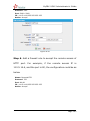
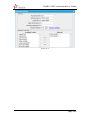
2. Send message with no PIN code and specified GSM port.
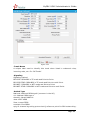
Format: port:portnumber-phonenumber
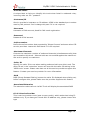
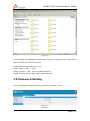
if the subject is "port:9-12345678", the text of this email (“Welcome to
Yeastar!”) will be sent to the number "12345678" through GSM trunk 9 (No pin
code should be set by administrator).
www.yeastar.com
Page 159